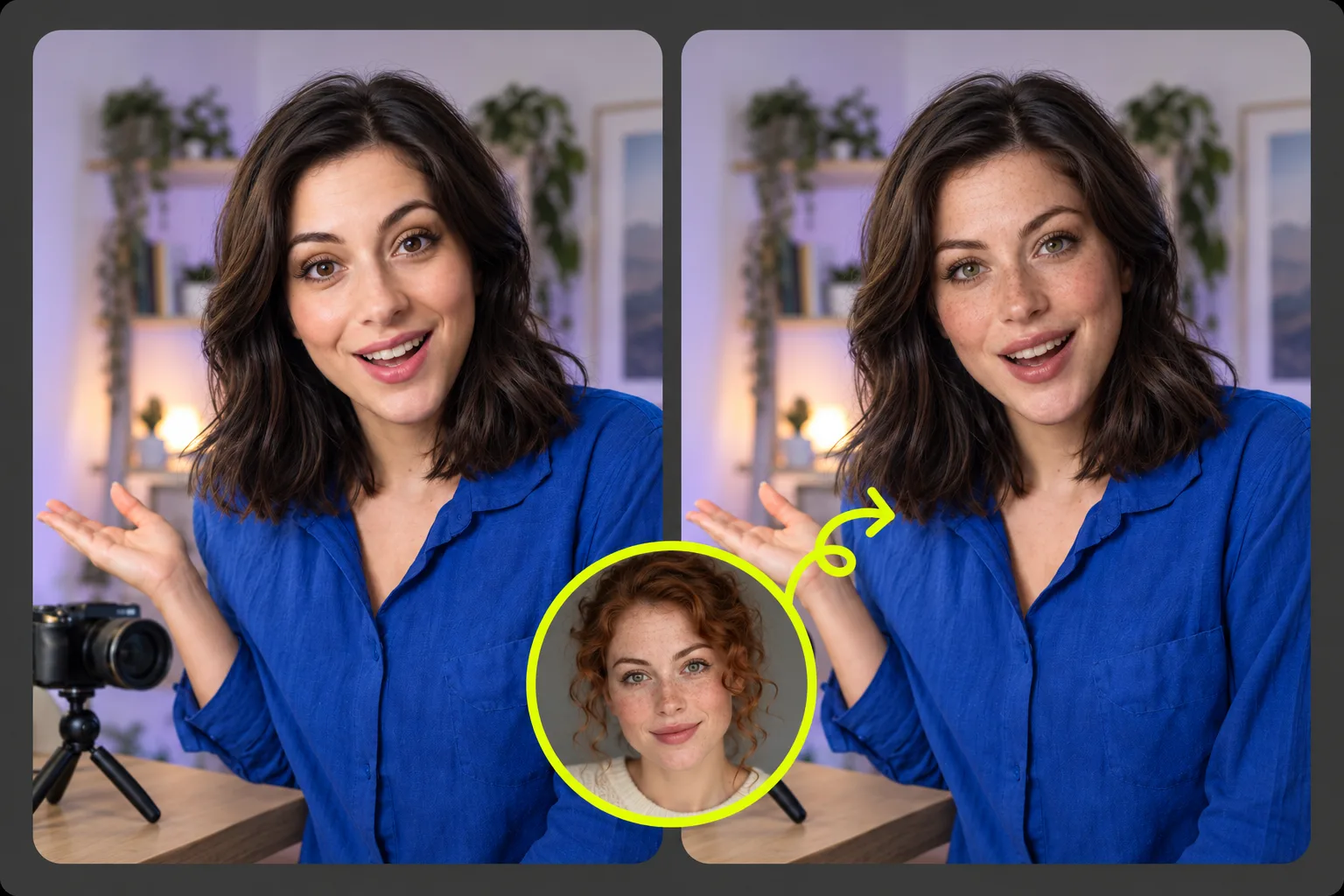
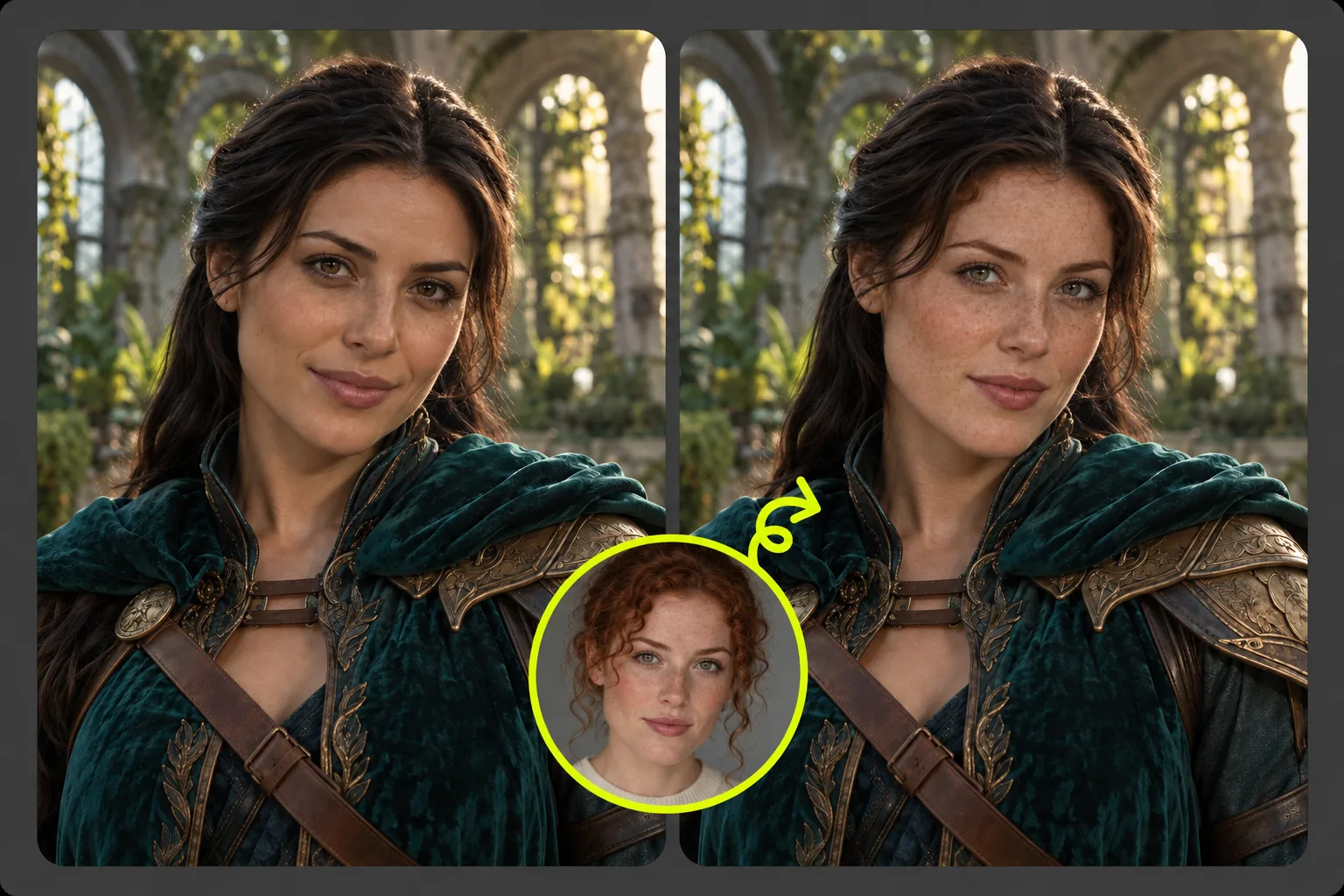
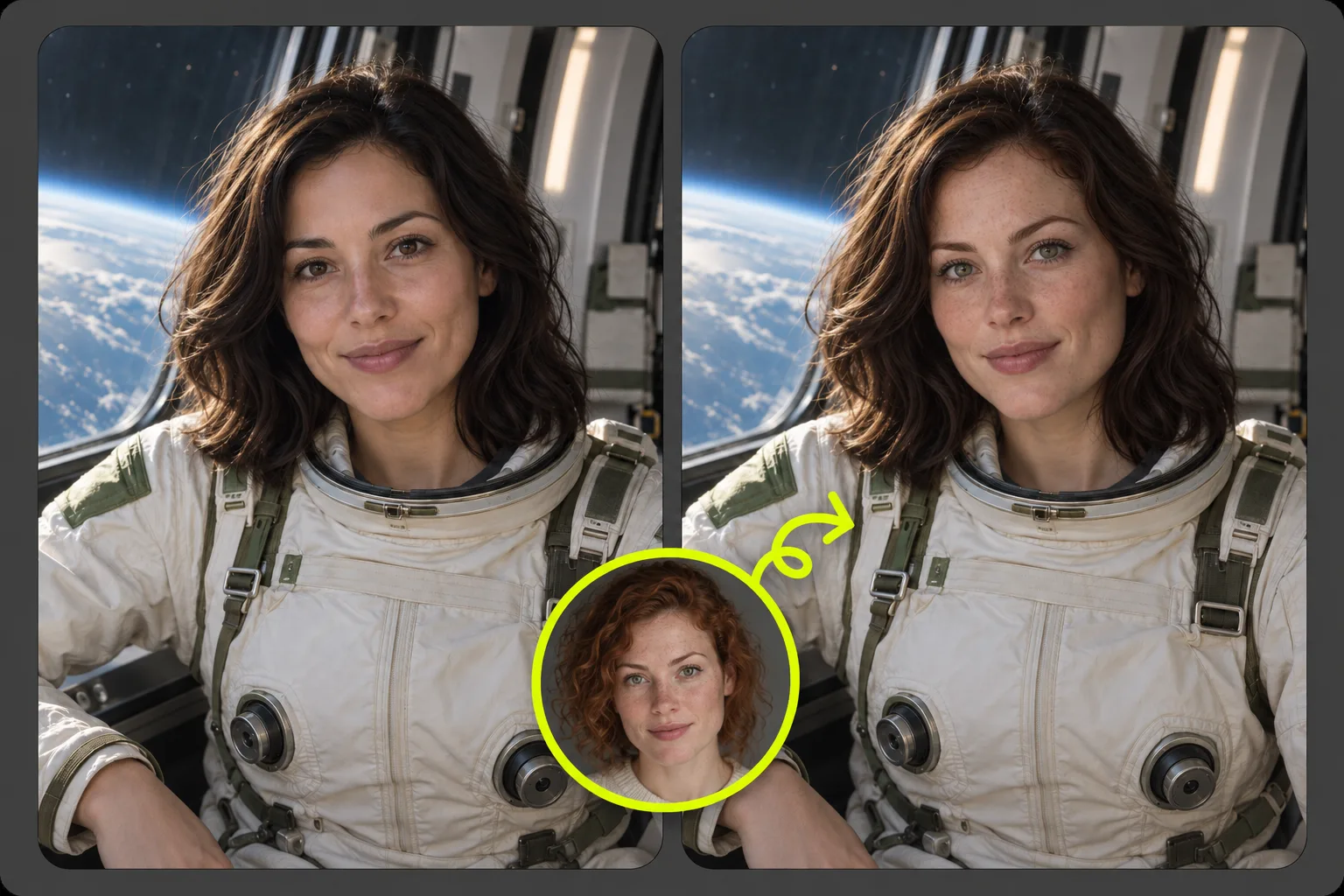
Free to Use
Create a photo face swap for free, then preview and download your result without signing up.
- No login required
- No watermark on downloads
Put your face into a portrait, group photo, or a scene you want to be part of. Upload the photo to edit and a clear face reference, then preview your AI photo face swap. Free to use, no login required, and no watermark on downloads.
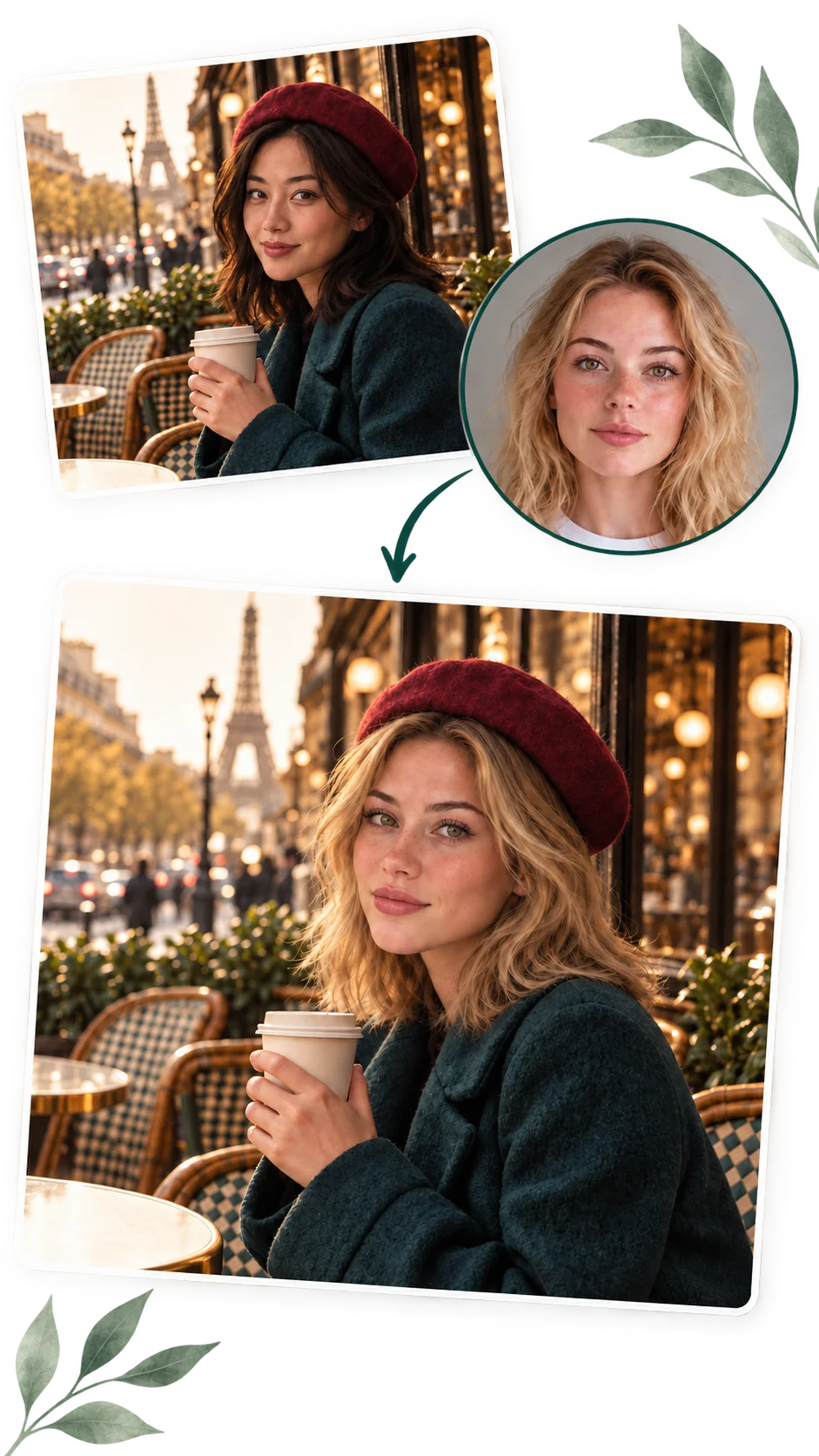
Free access, a quick workflow, consistent styling, and privacy-conscious photo processing.
Create a photo face swap for free, then preview and download your result without signing up.
Upload two photos and start your face swap with a few clicks. No prompt or manual masking is needed.
Bring in the face from your reference while keeping the look of the original scene, outfit, and pose.
Your uploads are used only to generate results. Editing history stays in your browser, and online files are automatically deleted after a retention period.
Explore four ways to use your face in a photo. Choose a scene you have permission to edit and add a clear face reference.
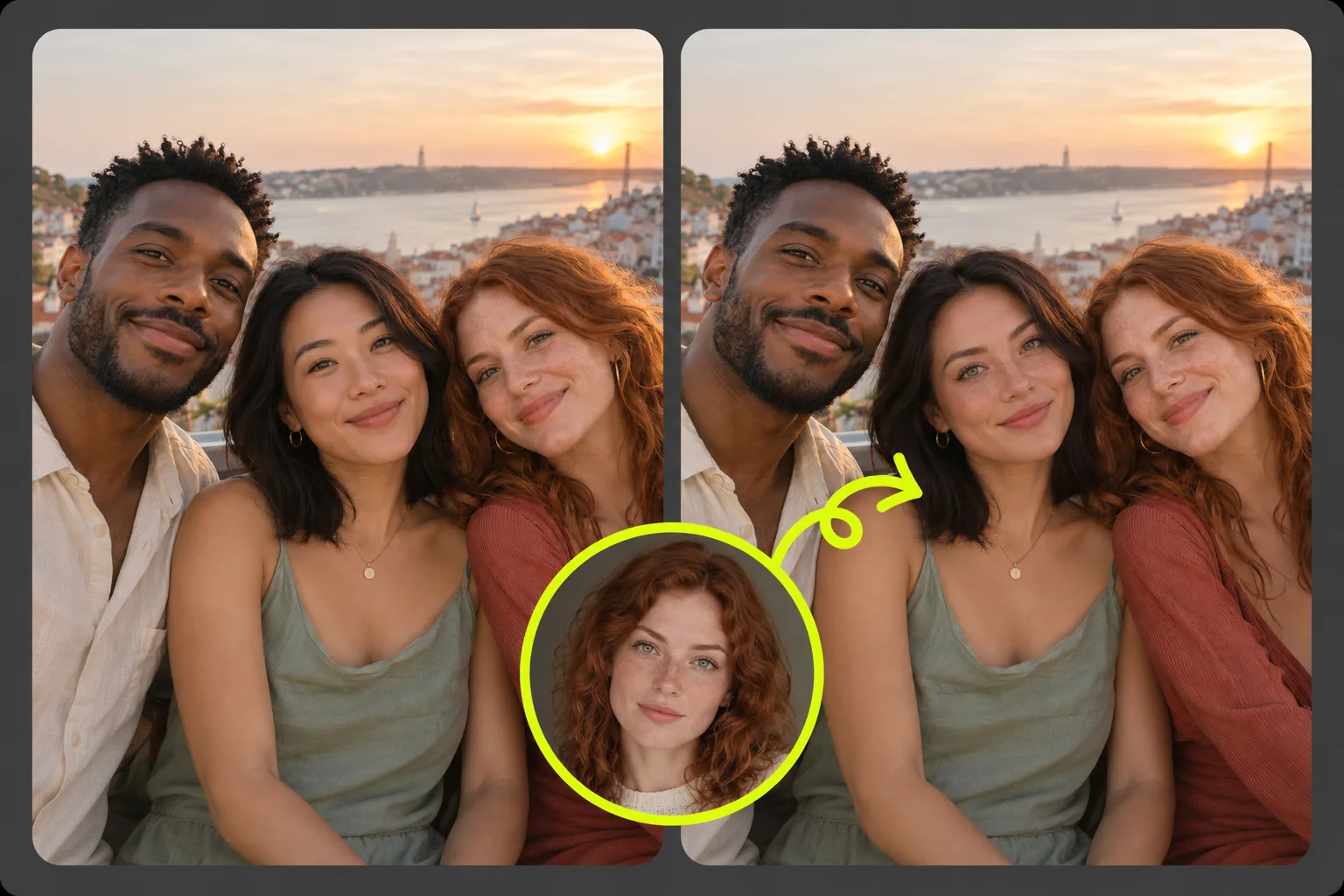
Swap your face into a photo with friends or family, keeping the original people and setting.
Use the same two-photo workflow for a smaller creative project, then add any text or layout in your preferred editor.
Put your face into a shared portrait style for your gaming group, Discord community, or an online event.
Explore a portrait for an episode or release using a cover photo you own. Add the final lettering after the swap.
Turn an original graduation, sports, or celebration scene into a personal poster concept with your face in the picture.
Try your face in a portrait with a different setting or outfit for a personal profile, keeping the styling from the base photo.
All you need is the photo you want to edit and one face reference. Complete your image face swap in three steps, directly in your browser.
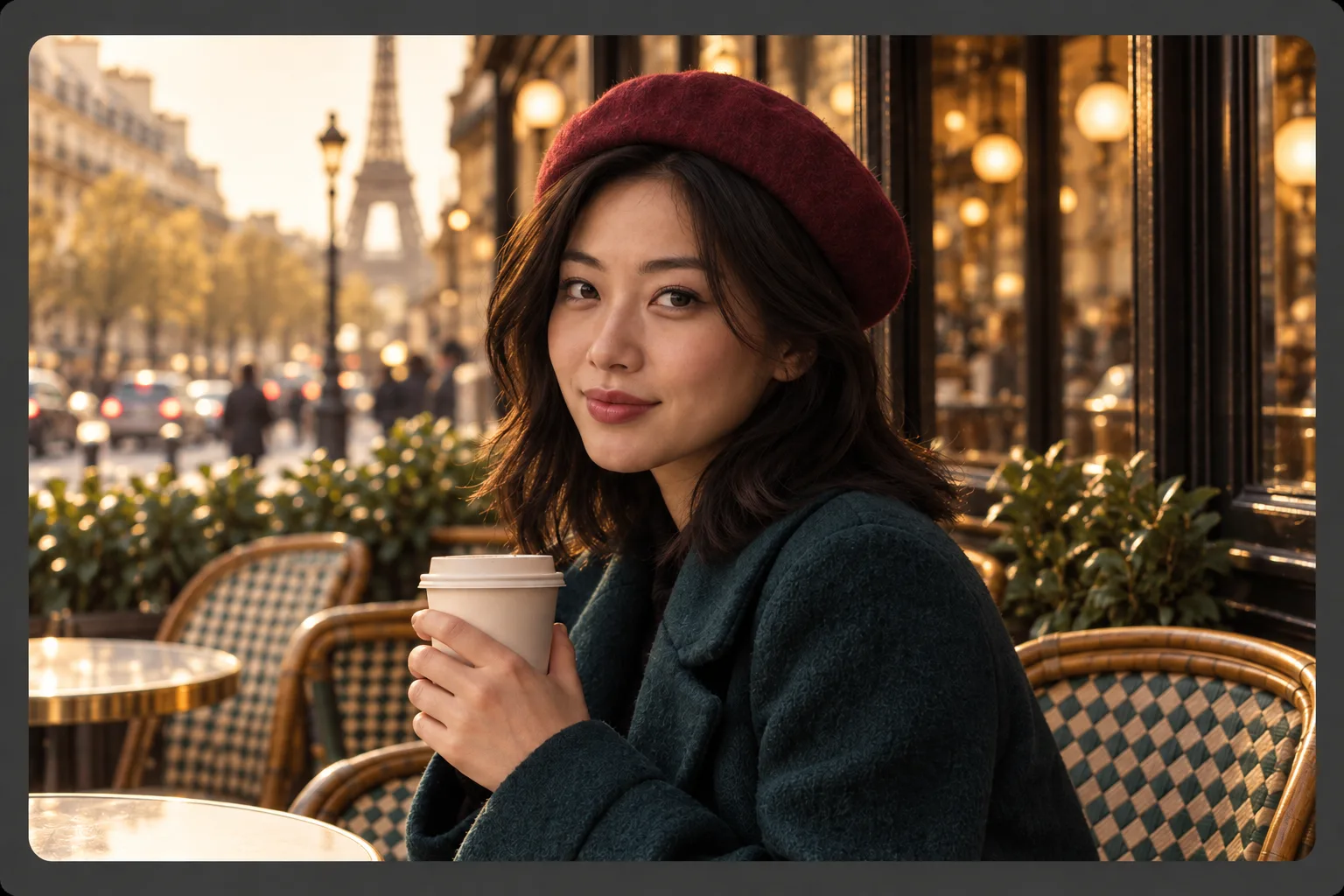
Choose a portrait or group picture in JPG, PNG, or WebP format, up to 20 MB. This photo supplies the pose, outfit, and background. Use a clear, visible face for a better starting point.
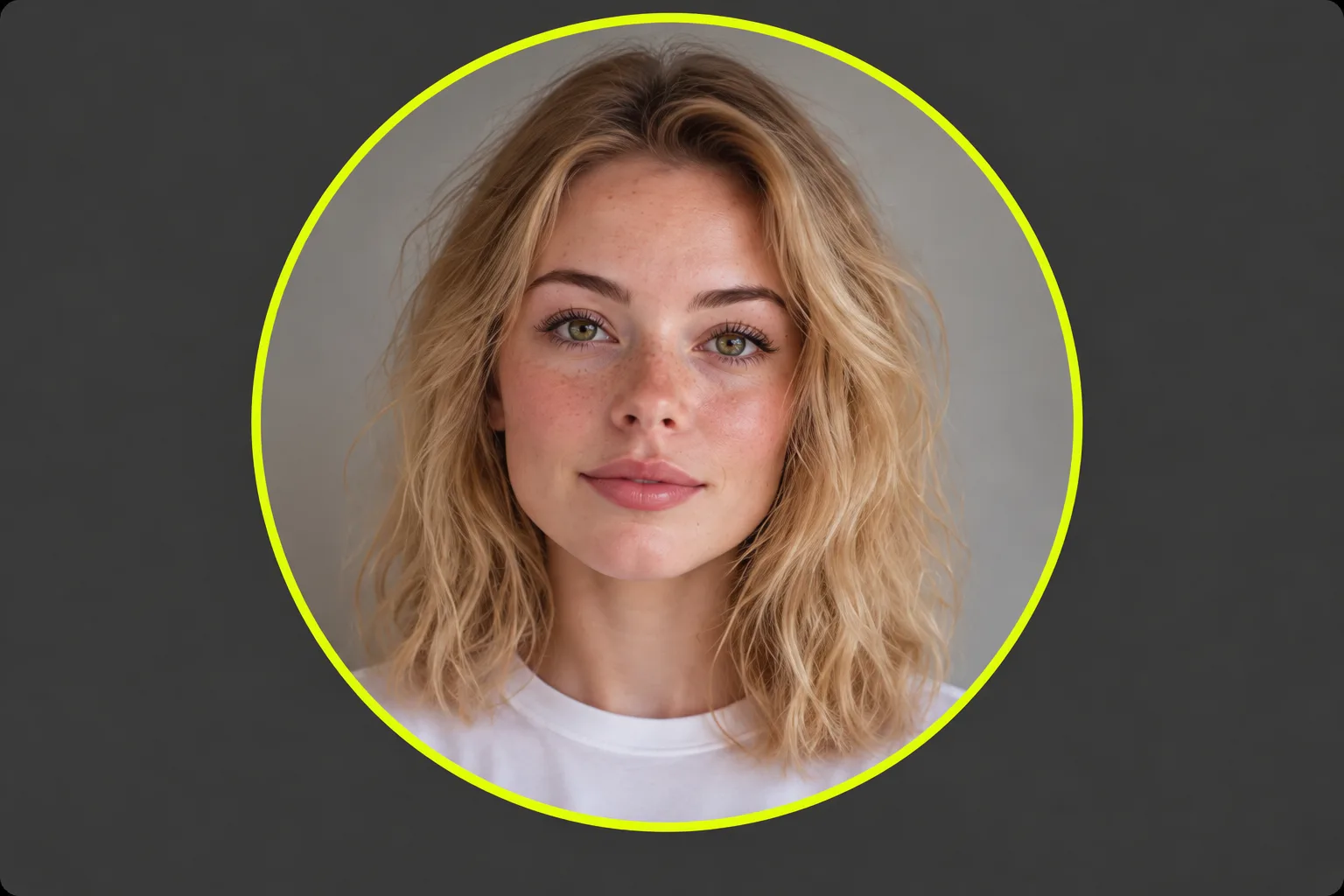
Upload a clear photo of the person whose face you want to use. Similar head angles and lighting help the face fit the original photo. Avoid references with heavy blur or objects covering the face.
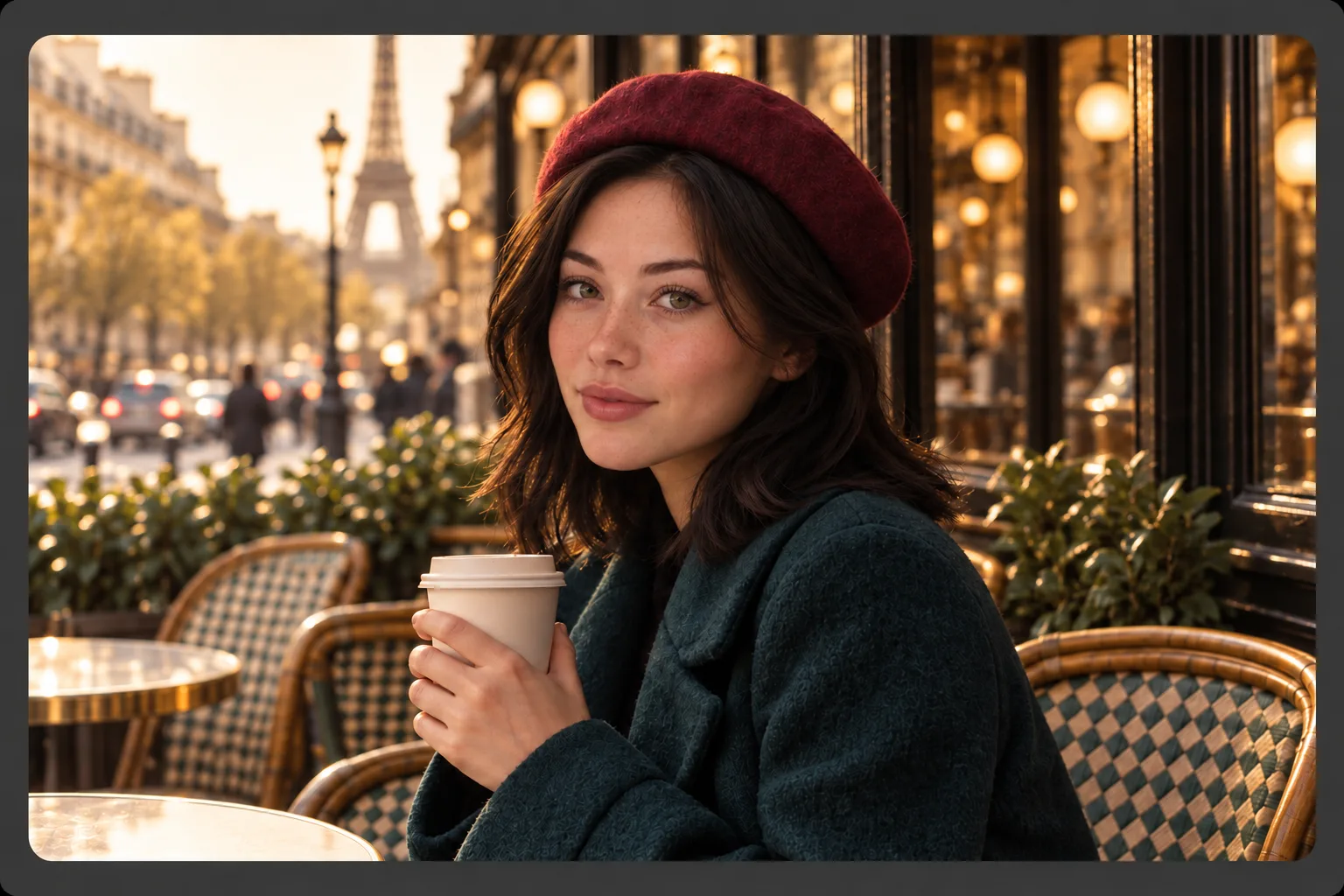
Generate your face swap and inspect the face, hairline, and surrounding details. If needed, try another reference photo. Download the result with no watermark and no login required.
Yes. You can upload your photo and a face reference, generate a photo face swap, and download the result for free. You do not need to log in to start.
Yes. Use ezVideo in your browser with no sign up or login required. Add your two photos, generate the swap, and download your result on this page.
No. The face swap image you download has no watermark, so you can continue editing it or share it without an added logo.
Yes, a group picture can be the photo you upload. This workflow uses one reference face. It does not include a control for selecting a person in the group, so check which face changed in the result before sharing it.
Multiple face swap is a different workflow that assigns replacement faces to several people in a group photo. The current tool accepts one photo and one reference face for a single-face swap; it does not provide individual replacements for several people at once.
Use sharp photos with visible facial features. Similar head angles and lighting make it easier to blend the replacement face. Hair, hands, dark shadows, and glasses can obscure details, so review those areas in the preview.
Start a photo face swap here, or download your result and upload it to Image to Video to create a video.