Start free, without signing in
Open the image editor and prepare a prompt without an account. Generation uses the credits shown in the editor.
- Upload an image and describe the change.
- Check estimated credits before generating.
Upload an image, describe your edit, and choose an AI model. Change backgrounds, refine details, or try a new style.
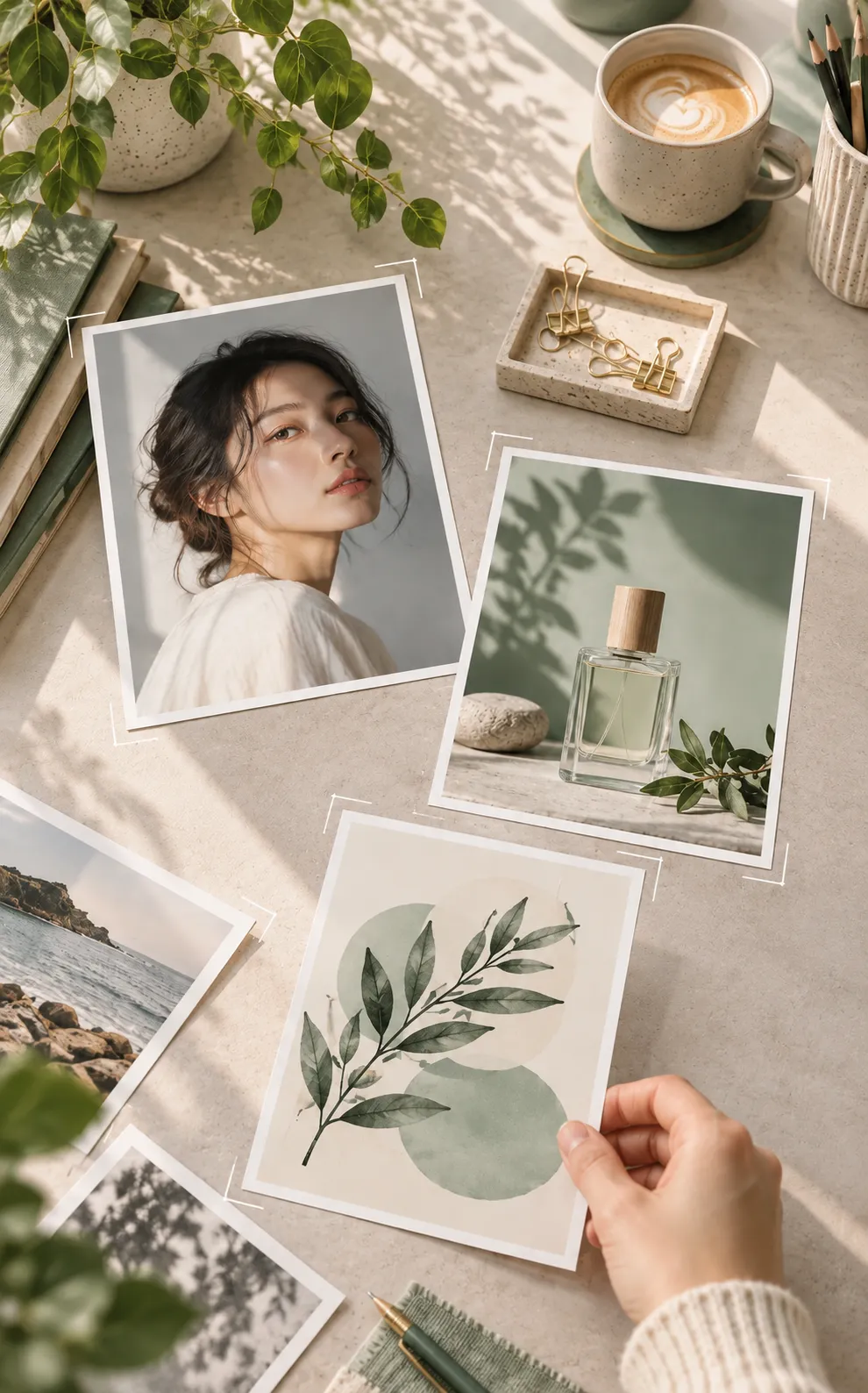 Concept example
Set up an edit without signing in. Review the model and estimated credits before you generate.
Open the image editor and prepare a prompt without an account. Generation uses the credits shown in the editor.
Name what should change and what should stay the same, from a product background to portrait lighting.
Compare EZ image 1.0, Seedream, Nano Banana, and GPT Image with the same source image.
Compare the edit with the original at full size before you download or share it.
Explore the strengths of each model family to find a good fit for your edit.
Flexible, fast editing for everyday photos, creative designs, and more.
Improved realism, clearer image text, and more faithful edits at 1K, 2K, or 4K.
Precise edits with subject consistency, in Flare or Sunburst mode.
Product visuals and design details, with 1K or 2K output.
Restyle images and adjust scenes with a simple prompt.
Explore four focused edits, from a new product backdrop to a formal outfit.
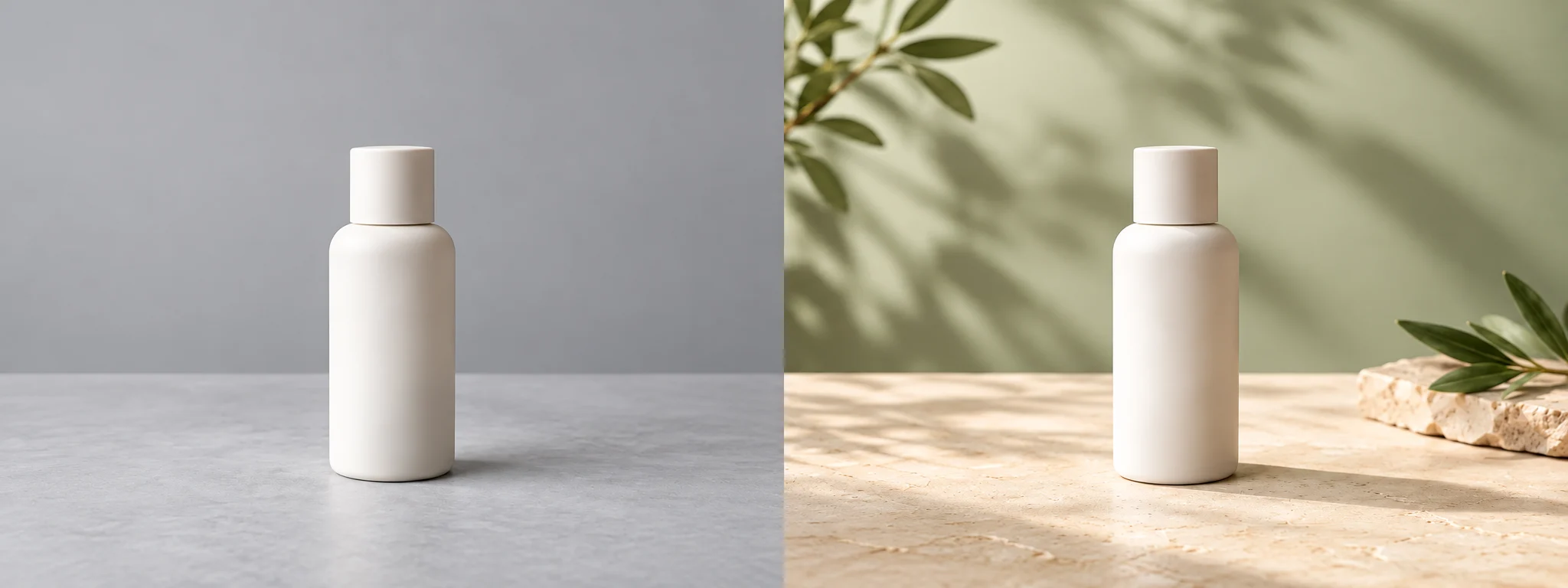
Change the setting while keeping the product in focus.
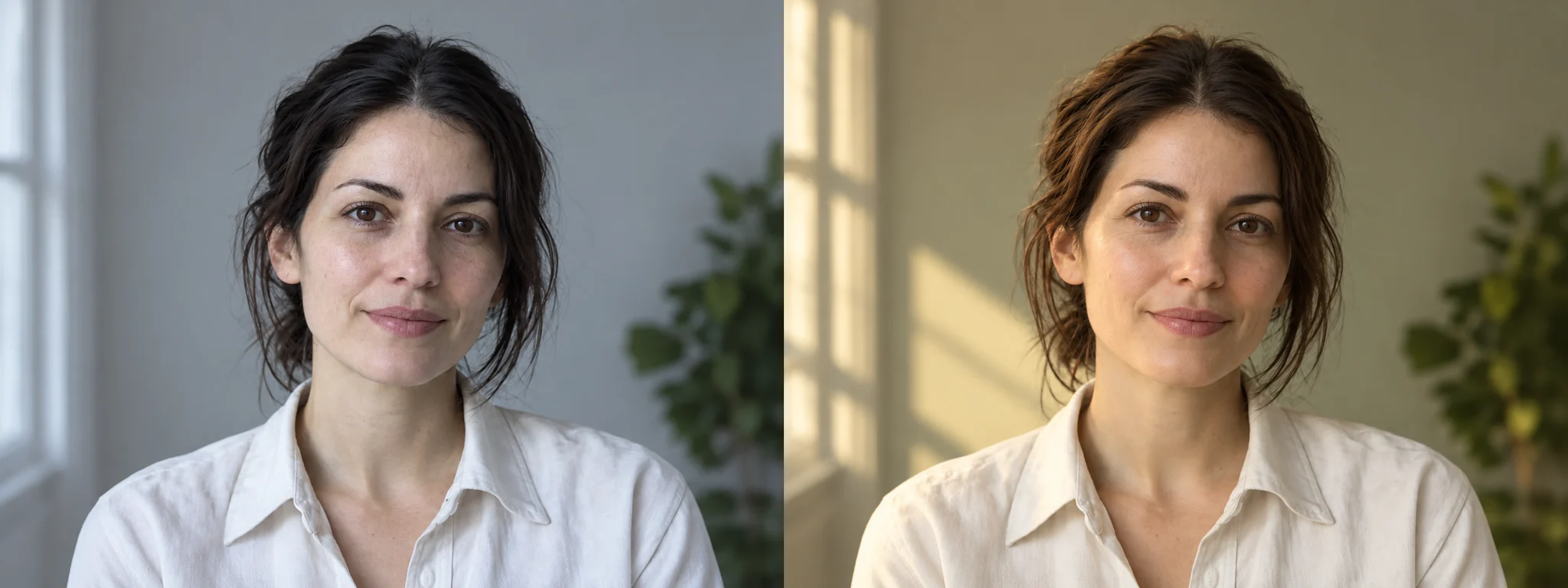
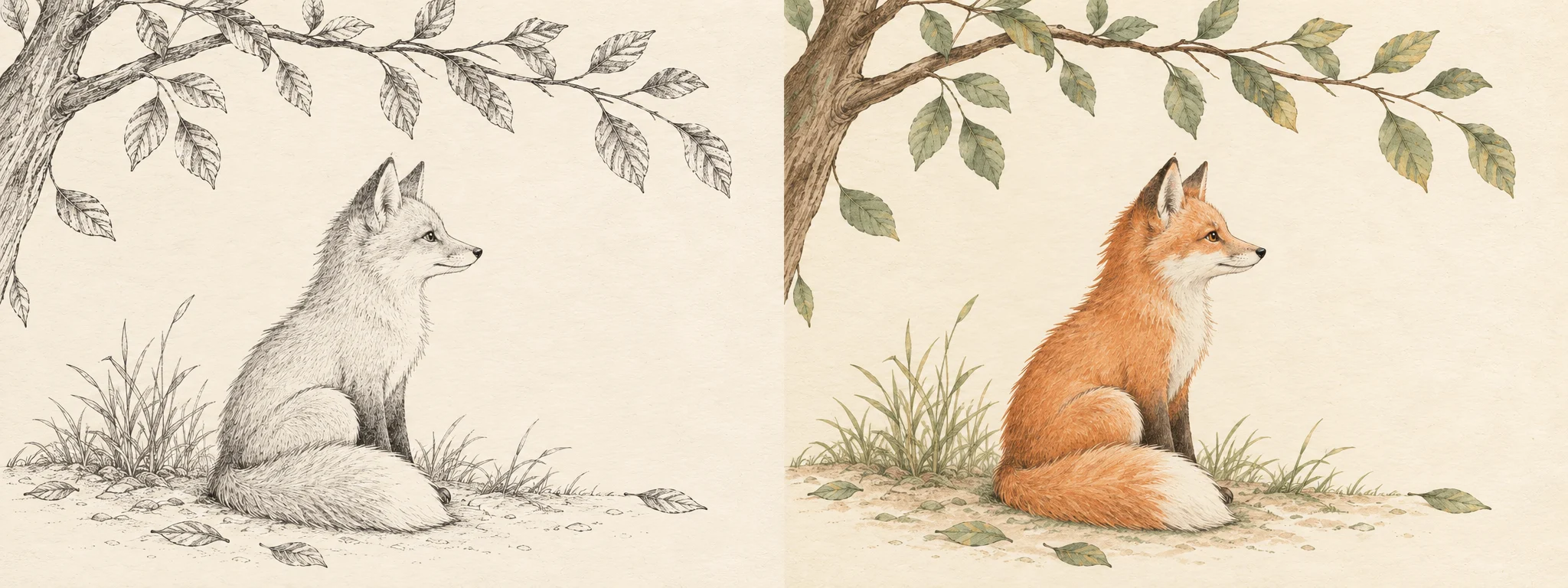

Make one clear change at a time, then compare the result with your source image.
Choose a photo or illustration you have permission to edit.
Name what should change and what must stay the same.
Use the same prompt when comparing different model results.
Check the full image before using or sharing it.
Upload a photo and describe what you want to change. Name the subject, composition, or other details you want to preserve.
Start with a model that fits the edit you want to make. Compare results using the same image and prompt, and review each model’s available settings.
A prompt can request a new background, different lighting, an adjusted object, or a visual style. Review the result to see whether it matches your goal.
Small text and brand marks can change. Compare them with the original and correct important wording or graphics before using the image.
Name the garment, color, and fabric. Say which face, pose, and background details should stay the same, then inspect the fit and edges in the result.
An edited image can be a starting point for image-to-video creation. Check the current input requirements before starting a video task.
Edit an image here, or create a video from an image on the homepage.