Multiple AI image models
Explore the strengths of each model family to find a good fit for your edit.
- Use the same prompt when comparing different model results.
Upload an image, describe your edit, and choose an AI model. Change backgrounds, refine details, or try a new style.
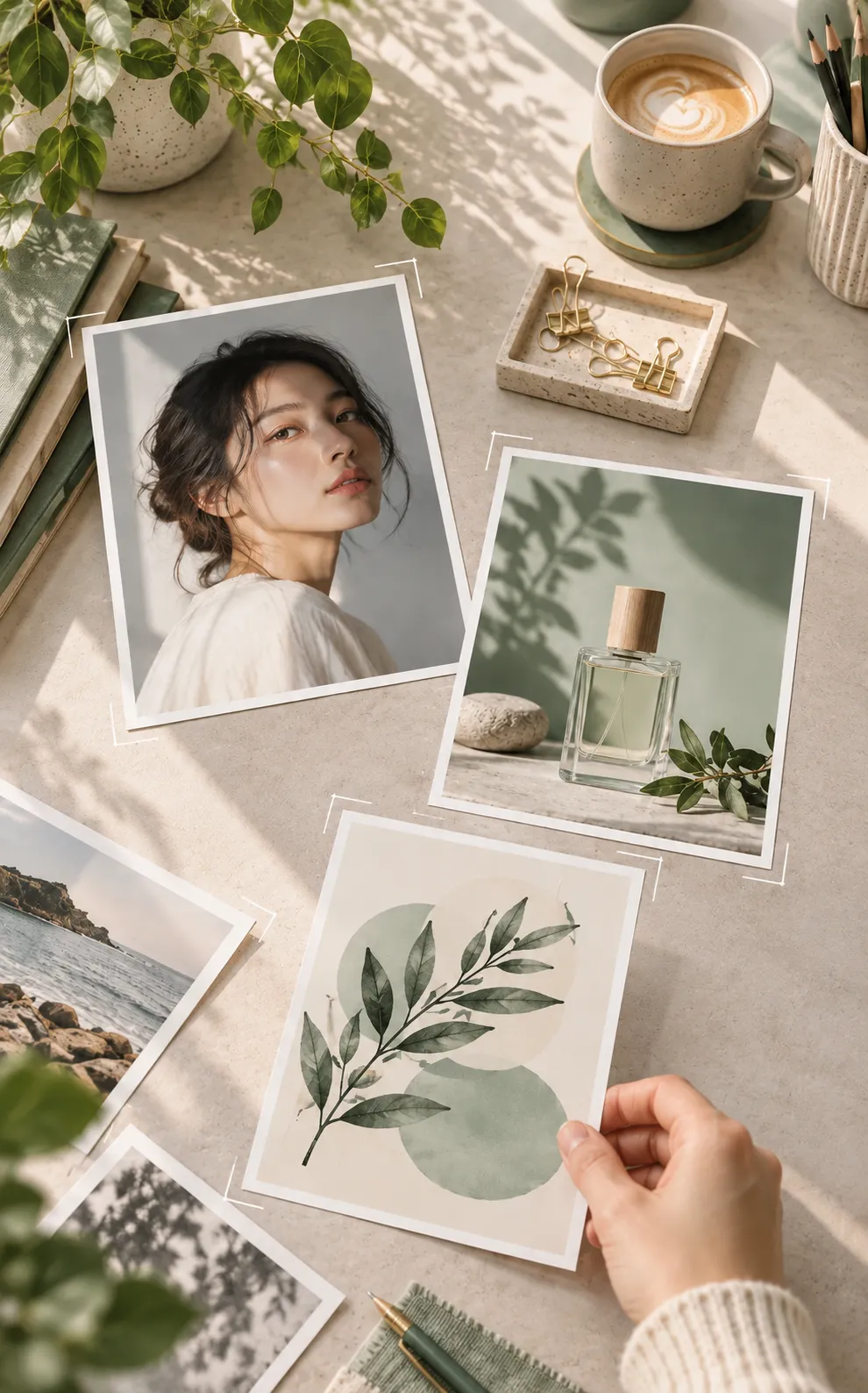 Concept example
62 credits
Choose from multiple AI image models, start free without signing in, and generate and review edits in one workspace.
Explore the strengths of each model family to find a good fit for your edit.
Open the image editor and prepare a prompt without an account. Generation uses the credits shown in the editor.
Upload an image, describe the change, and generate and preview the result in the same editor.
Compare the edit with the original at full size before you download or share it.
Make one clear change at a time, then compare the result with your source image.
Choose a photo or illustration you have permission to edit.
Name what should change and what must stay the same.
Use the same prompt when comparing different model results.
Check the full image before using or sharing it.
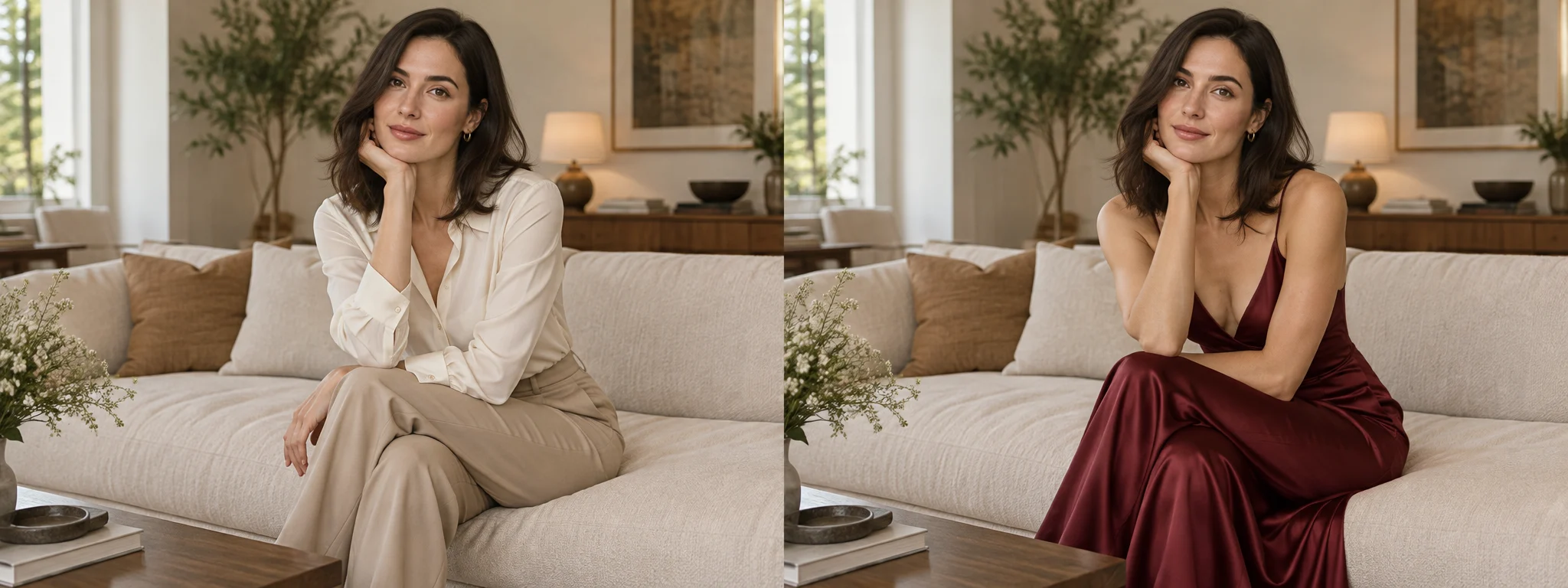
Explore four focused edits, from a new product backdrop to a formal outfit.
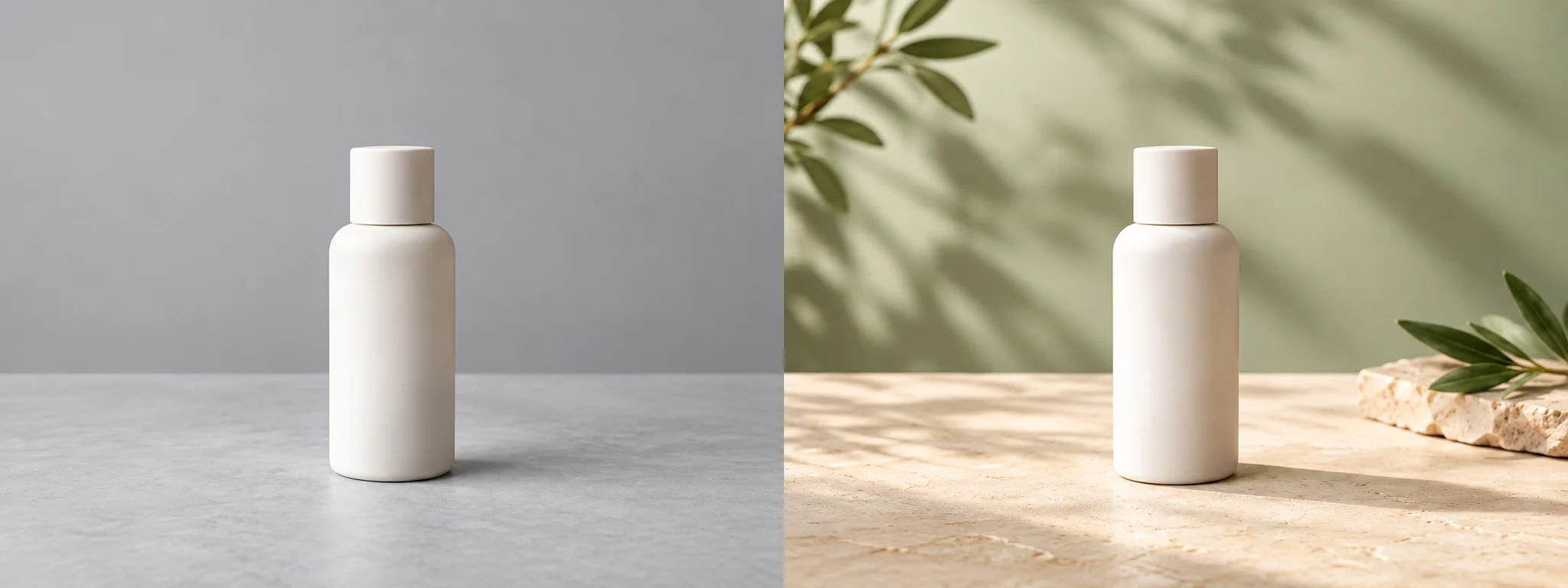
Change the setting while keeping the product in focus.
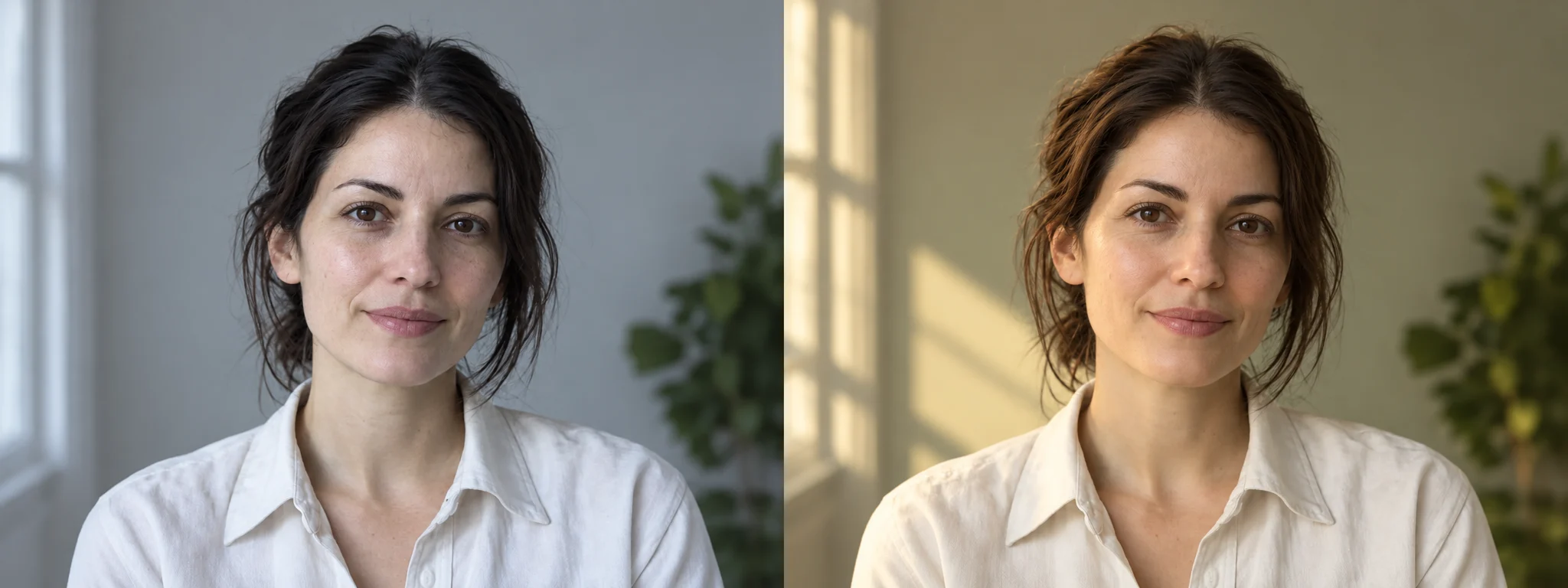
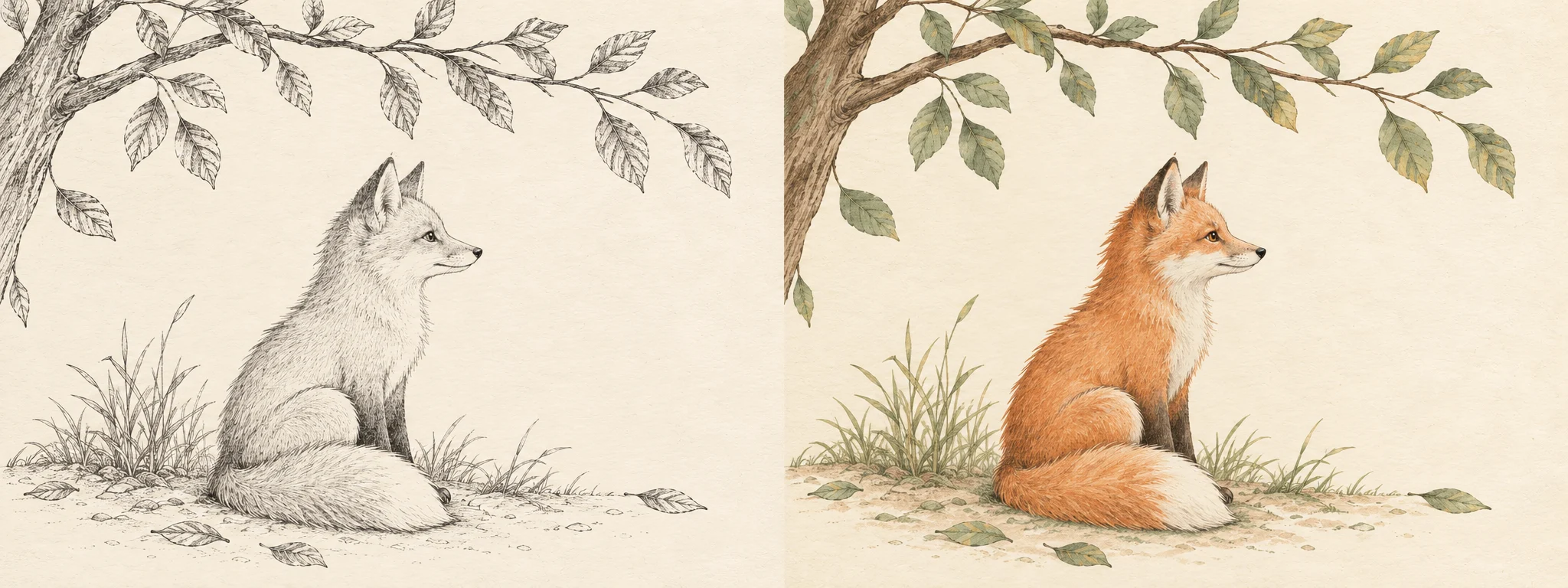
Available quality, output options, and credit cost depend on the selected model. Results depend on the model, source image, and prompt.
Precise edits with subject consistency, in Flare or Sunburst mode.
Improved realism, clearer image text, and more faithful edits at 1K, 2K, or 4K.
Product visuals and design details, with 1K or 2K output.
Restyle images and adjust scenes with a simple prompt.
Upload a photo and describe what you want to change. Name the subject, composition, or other details you want to preserve.
Start with a model that fits the edit you want to make. Compare results using the same image and prompt, and review each model’s available settings. Available quality, output options, and credit cost depend on the selected model. Results depend on the model, source image, and prompt.
A prompt can request a new background, different lighting, an adjusted object, or a visual style. Review the result to see whether it matches your goal.
Small text and brand marks can change. Compare them with the original and correct important wording or graphics before using the image.
Name the garment, color, and fabric. Say which face, pose, and background details should stay the same, then inspect the fit and edges in the result.
An edited image can be a starting point for image-to-video creation. Check the current input requirements before starting a video task.
Edit an image here, or create a video from an image on the homepage.