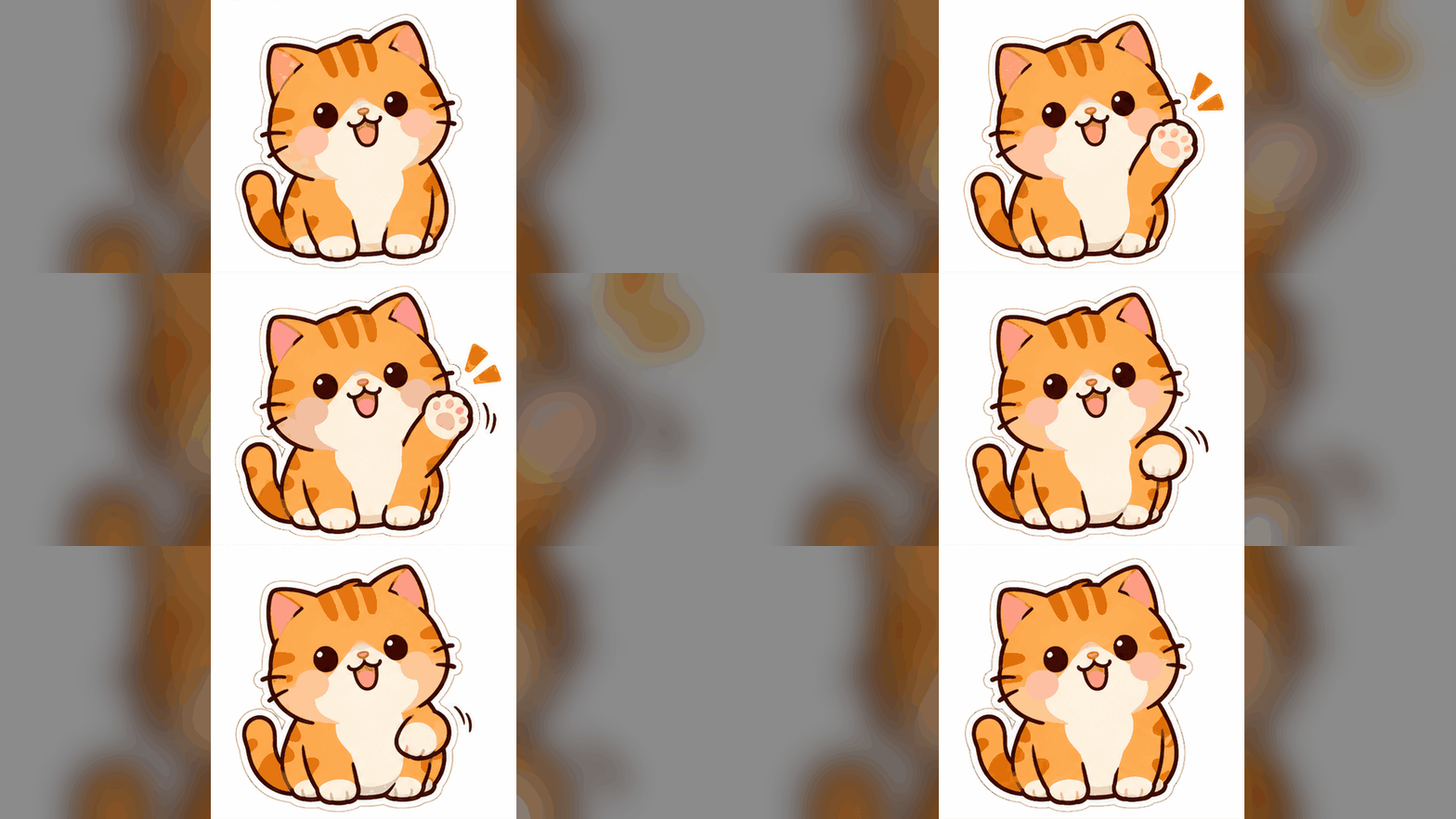
Create reaction GIFs for chats and replies
Make an original character react with a blink, a small cheer, or a surprised expression. Keep the gesture short so the same moment works when it repeats.
Describe the motion and turn text into a short animated GIF. Create a character reaction, animate a mascot, or add subtle motion to a product idea.
 GPT Image 2.6Text-to-GIF animation with a fixed 1K output.
Upload a start image
Name what moves, what stays still, and how the motion loops back to the first frame.
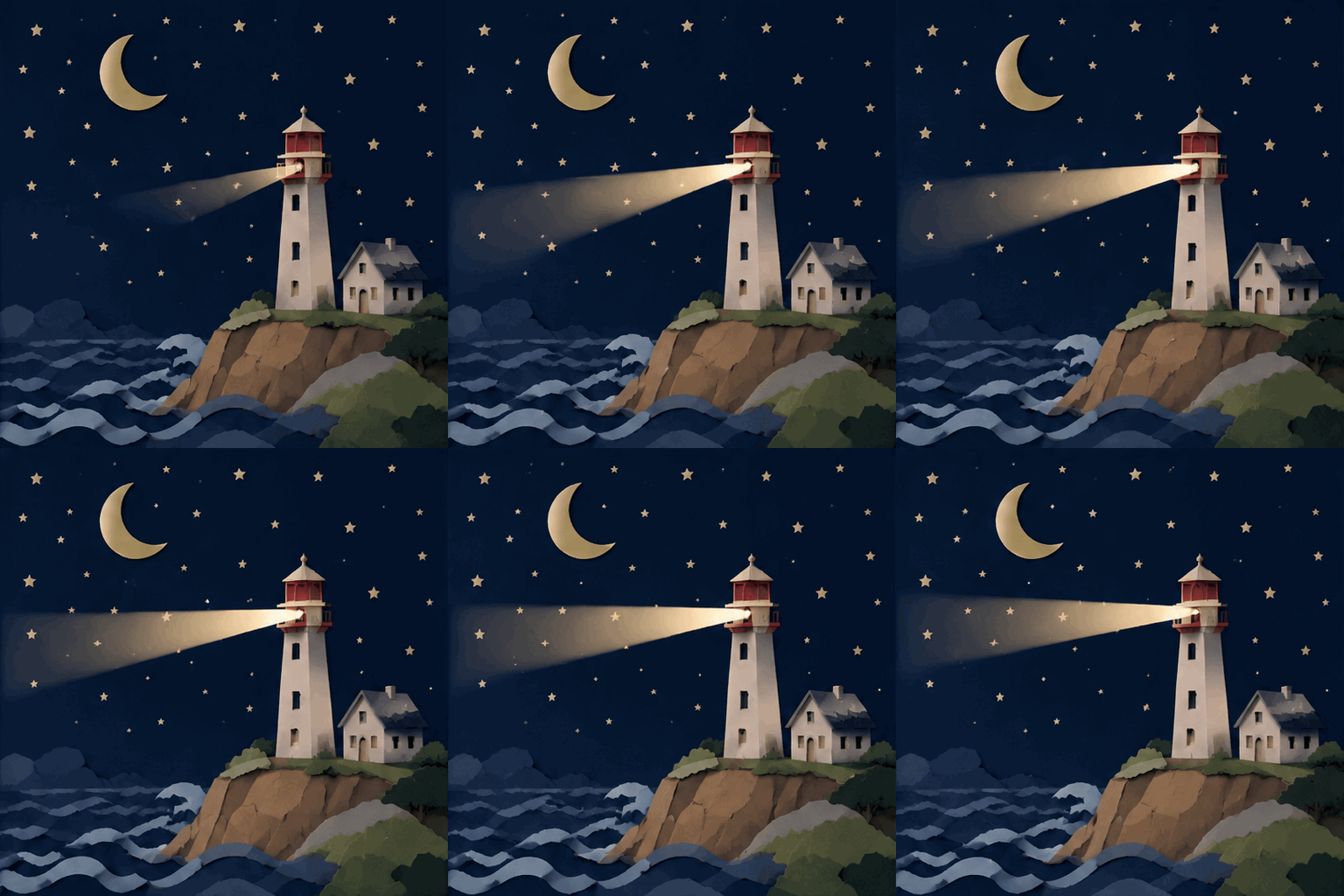 Concept example
2015 credits
Explore a short movement from a text prompt: a blink, a wave, or a moving highlight. Plan one repeatable action and a clear return to the starting pose.
Read the official model documentationEzVideo's GIF workspace uses the GPT Image 2.6 GIF endpoint: one 1K animated GIF per task, 15 credits each (regular price 20). Other model modes are listed in the official documentation.
GPT Image 2.6Animated previews only. Each card loops a short motion a GPT Image 2.6 GIF task could produce; the clips are illustrative references, not verified model output.
Make an original character react with a blink, a small cheer, or a surprised expression. Keep the gesture short so the same moment works when it repeats.
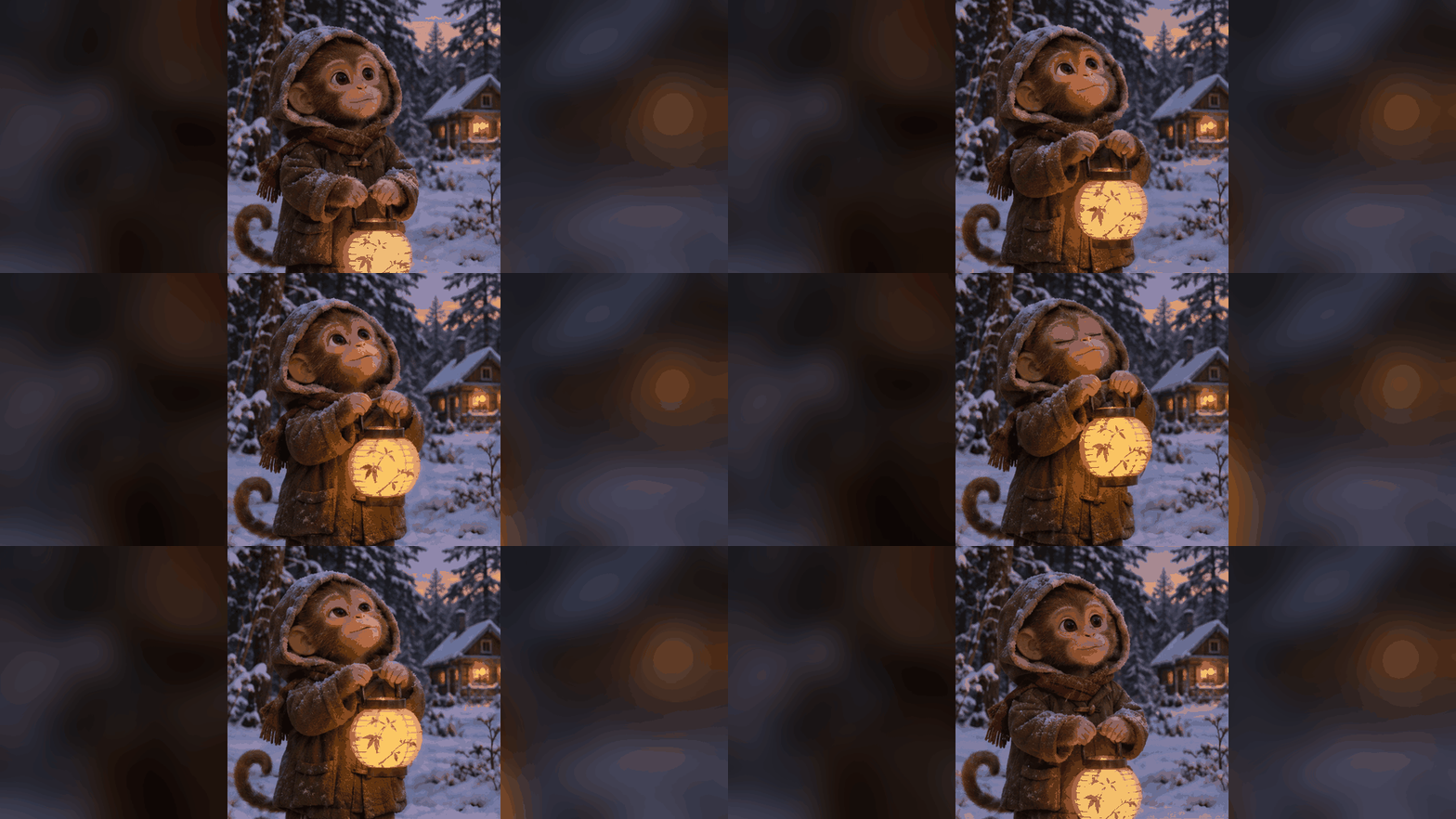
Start with your own mascot and try a gentle bounce or a wave. Ask the animation to preserve the character’s colors, outline, and position.
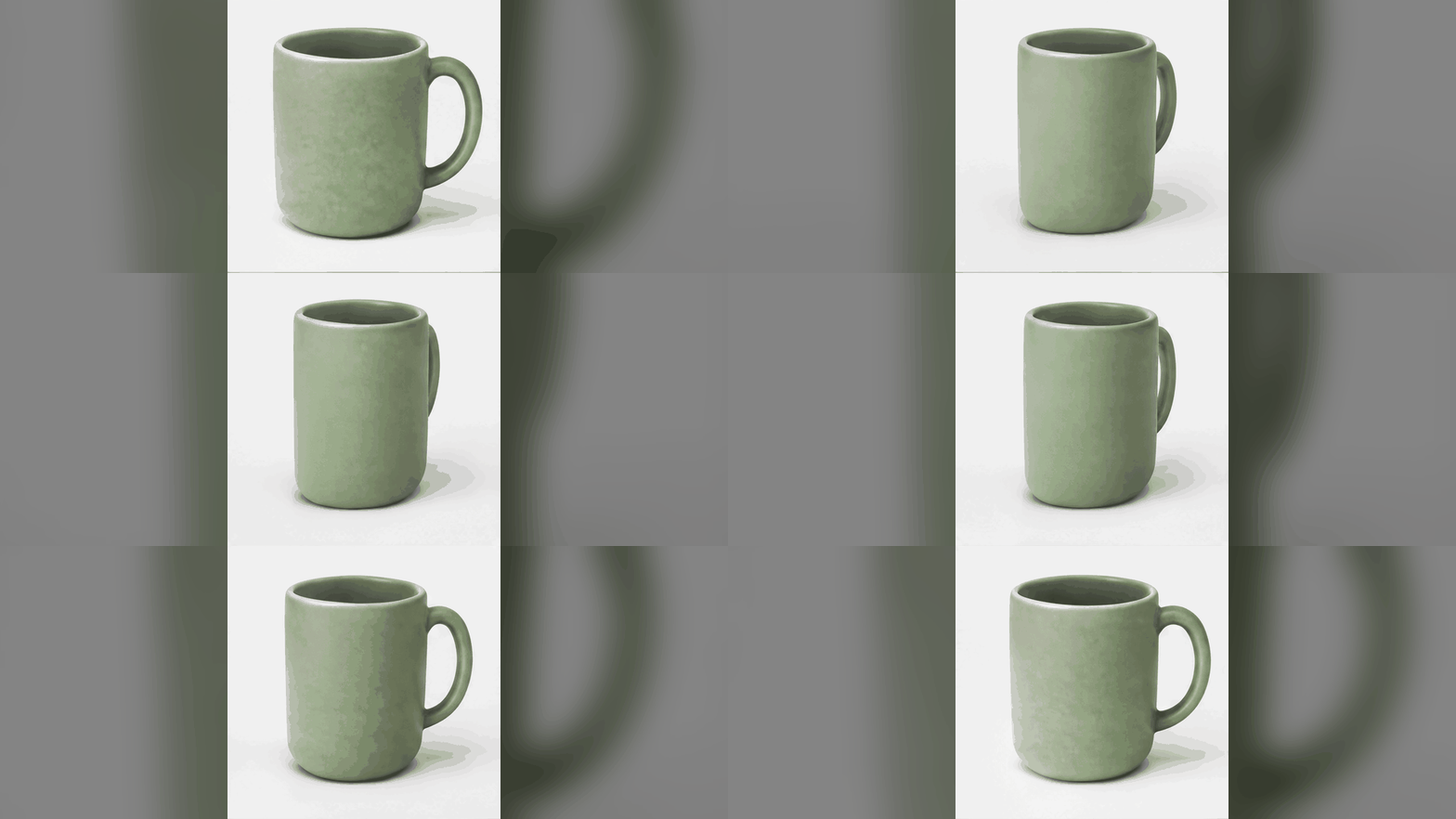
Give a product image a small animated detail: a moving highlight, a ribbon sway, or a few petals drifting behind it. Keep labels and packaging still wherever possible.
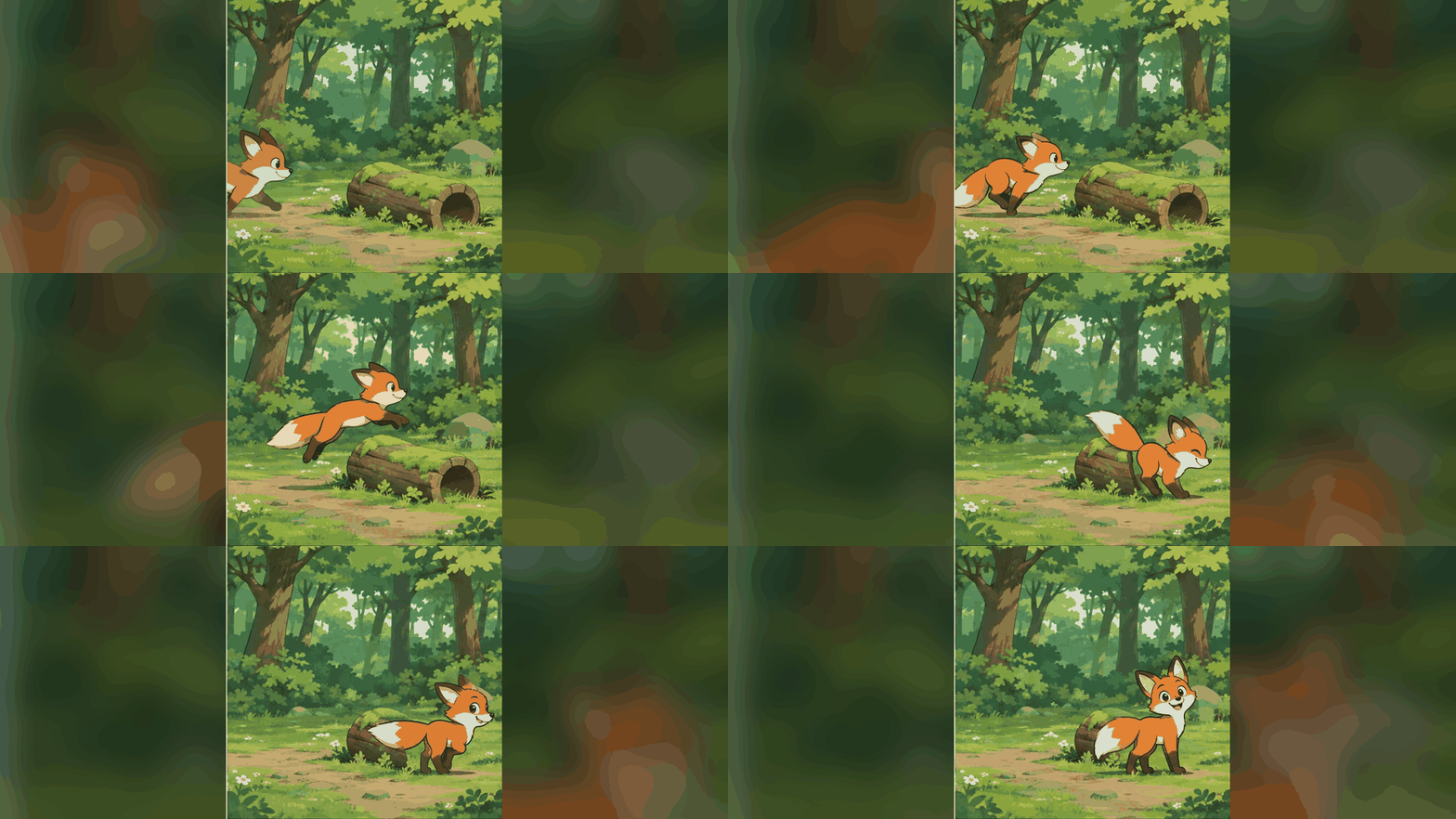
Add a blink, a drifting cloud, or a swaying scarf to your artwork. Try one moving detail first to make the result easier to review.
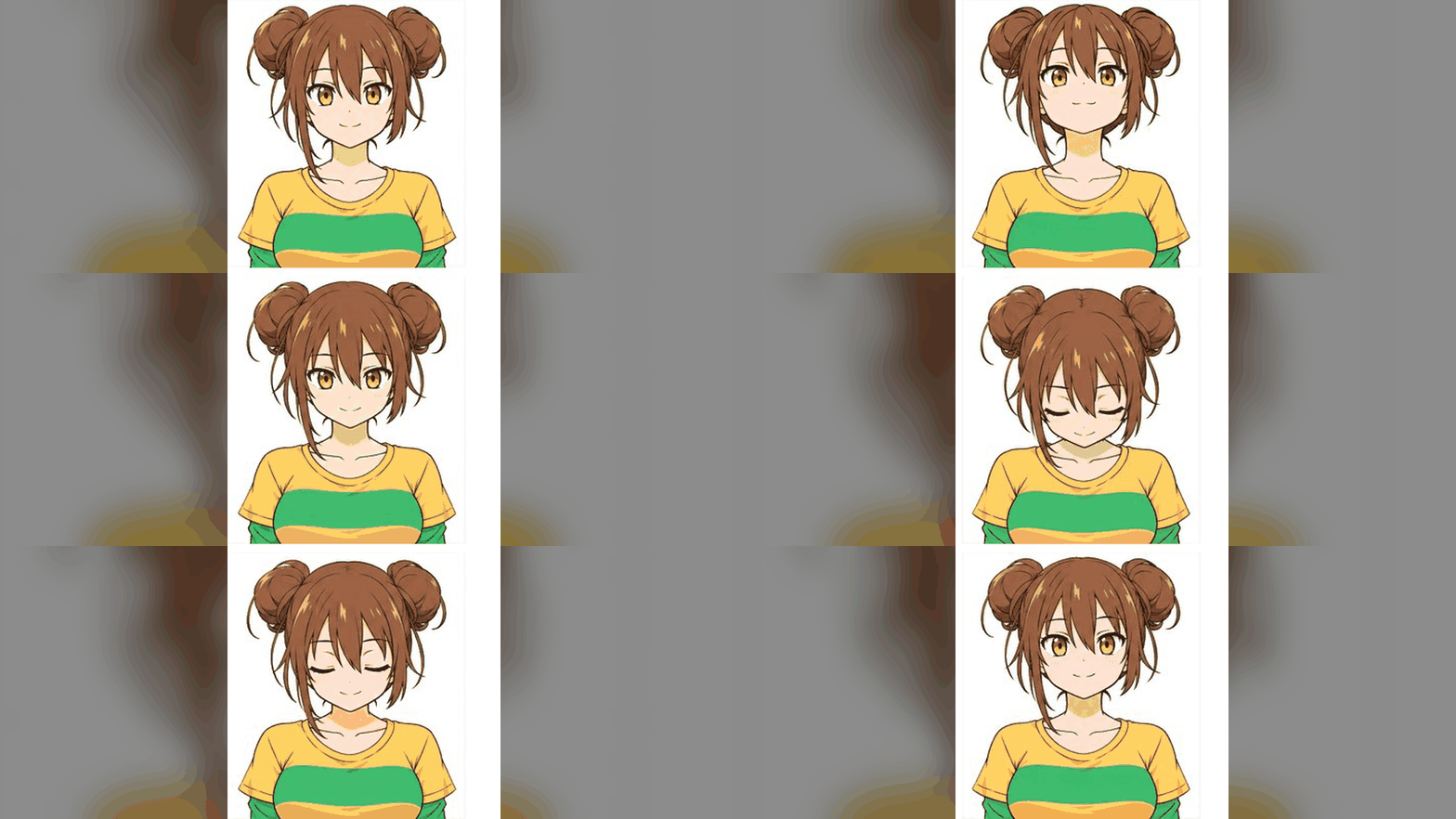
Describe a compact scene with a repeating action, such as a robot waving or a star gently pulsing. Keep the composition simple for a clear small-format animation.
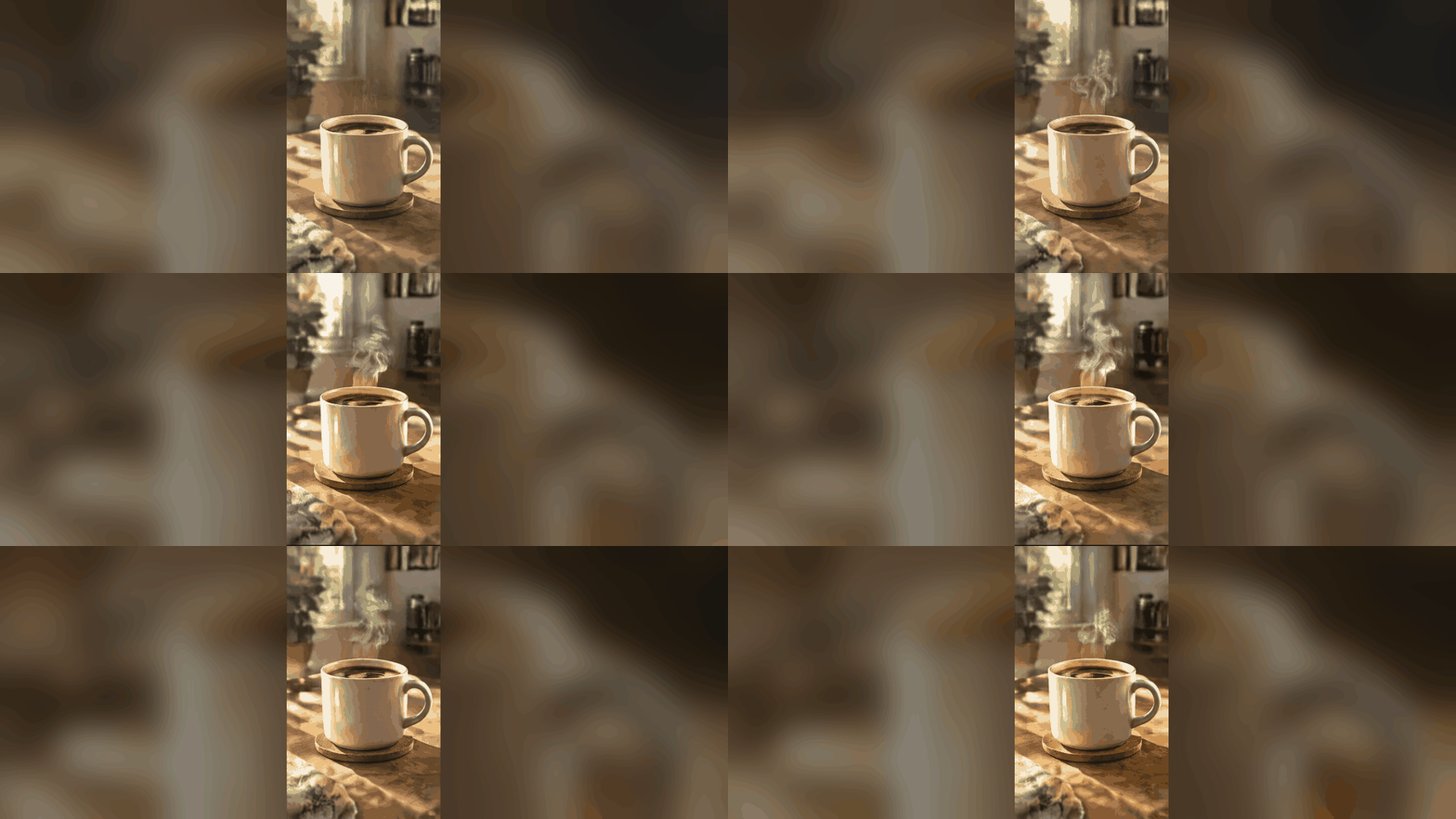
Try a gently pulsing light, a turning leaf, or steam rising above a cup. Preview both the animation and its first frame, then test the file size in your final layout.
Describe the motion, generate the animation, check the loop, then download the GIF.
Type one short action for the subject, such as a blink, a wave, or a pulsing light.
Name the subject, the part that moves, and what should stay still. For a loop, ask the motion to return to the starting pose.
Review the 15-credit cost (regular price 20), generate your animation, and watch the repeat point. Adjust the prompt if details change or the motion jumps.
Save the .gif file, check its size, and test it in the chat, post, email, or page where you want to use it.
It creates a short animated GIF from a text prompt. You describe the movement and review the resulting frames.
Right now it takes a text prompt only, with the Flare variant. Image-to-GIF input is not available yet.
Start with one small movement, keep the camera still, and ask to return to the starting pose. Review the repeat point; perfect looping is not guaranteed.
A GIF is an image animation without an audio track. Use a supported video workflow when you need sound or a longer sequence.
2.6 adds native GIF and SVG output, a complexity setting, and markup-guided edits in the API, and it generates faster. 2.5 stays a still-image model with the same Flare and Sunburst split and the same token pricing.
Quality controls how much detail is rendered. Complexity controls how much the model plans before drawing and carries no extra charge. Low complexity suits focused edits; medium or high helps with dense text and many objects.
Describe a short motion and generate a downloadable animated GIF right here.