Multiple AI video models
Choose a video model for the look and motion your project needs.
- Compare model options in one workspace.
- Switch models as your creative goal changes.
Upload one photo, describe the action and camera movement, and preview a short AI video. EzVideo Fast works with daily free credits and no login.
Go from photo to video using one image, a motion prompt, and daily free credits.
Choose a video model for the look and motion your project needs.
Create from your own images with clear information about how uploads are handled.

Use EzVideo Fast, our own image-to-video model, alongside other options.
Receive free credits each day to explore image-to-video creation.
Use one photo or image to explore motion ideas for people, products, and scenes. Results depend on the source image and model.
Bring old photos to life
Add a subtle smile, head turn, or wave to a vintage photo; distinguish generated motion from historical footage.
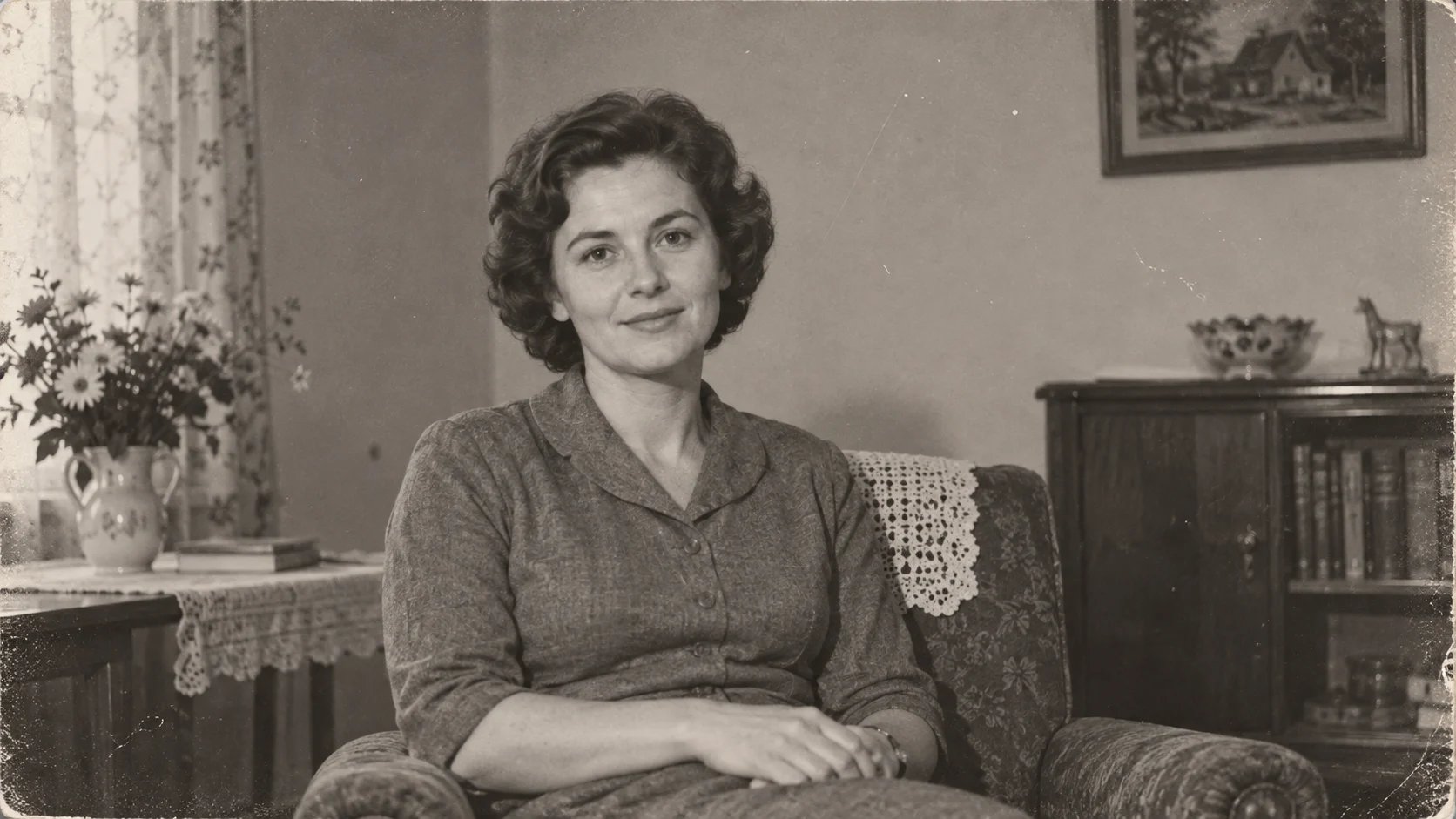
Add a subtle smile, head turn, or wave to a vintage photo; distinguish generated motion from historical footage.
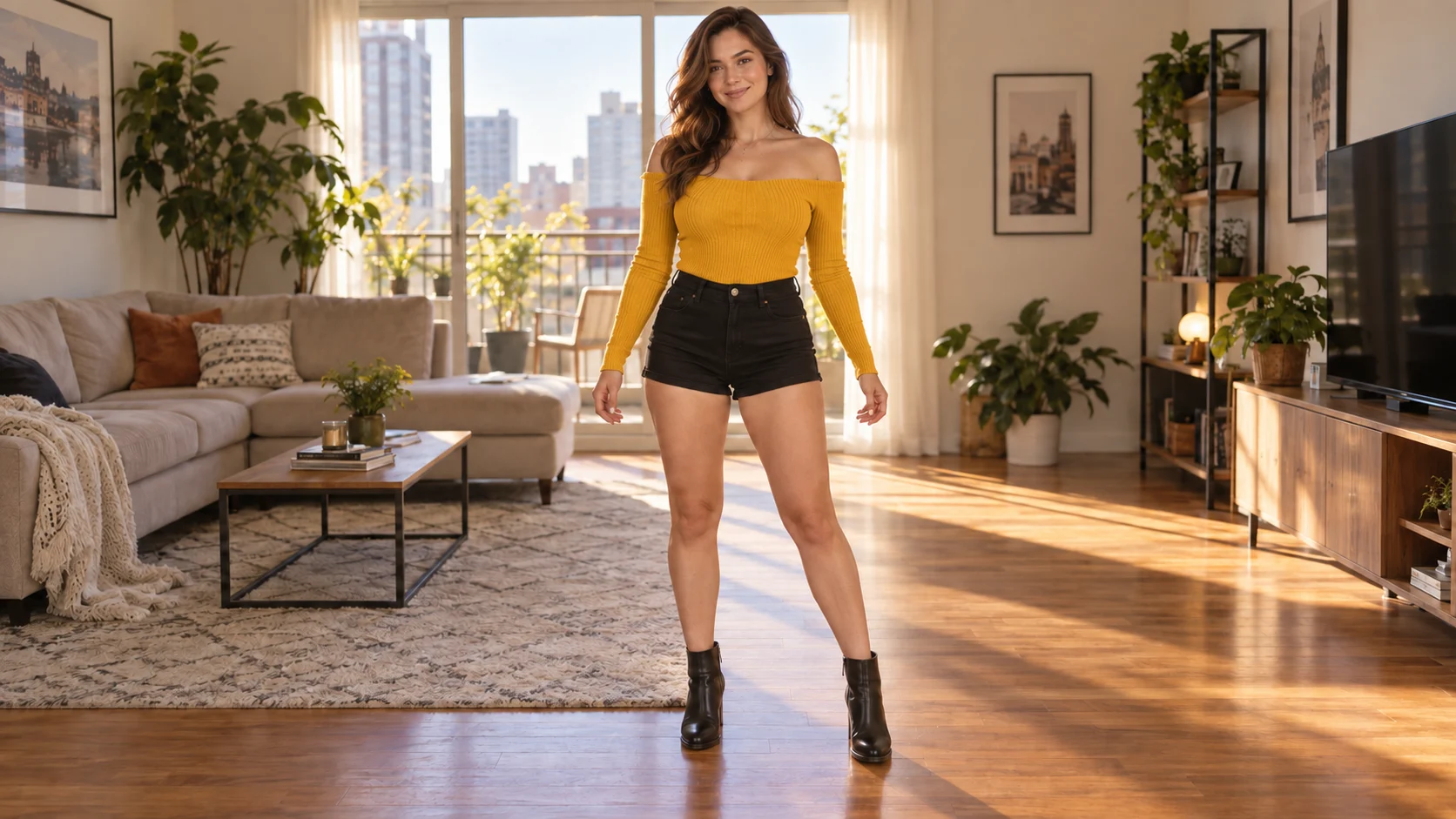
Describe a simple sway, step, or wave from one photo. Exact choreography is not guaranteed.
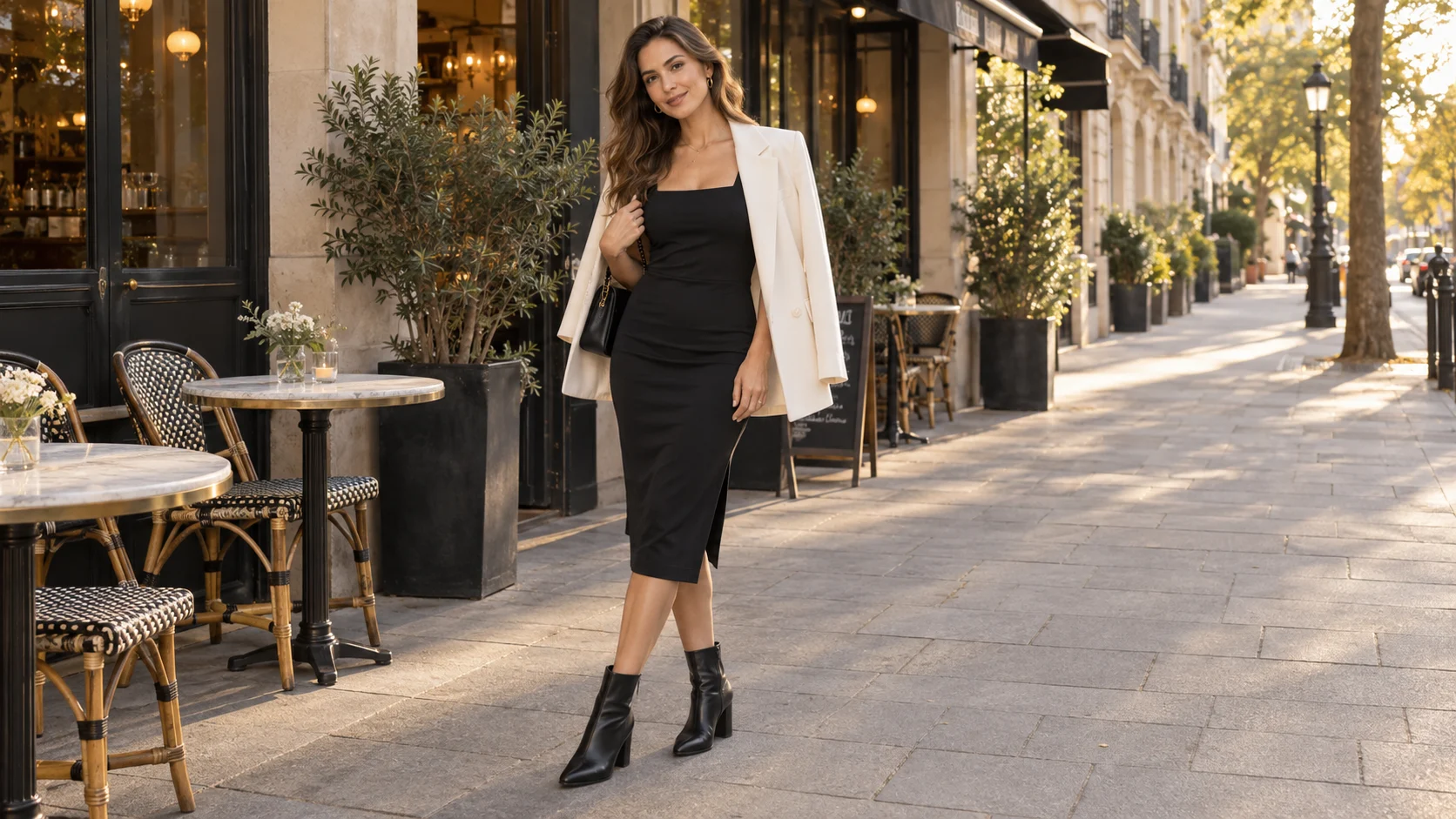
Explore a turn, pose, or runway moment from an outfit photo; check that patterns and garment details remain consistent.
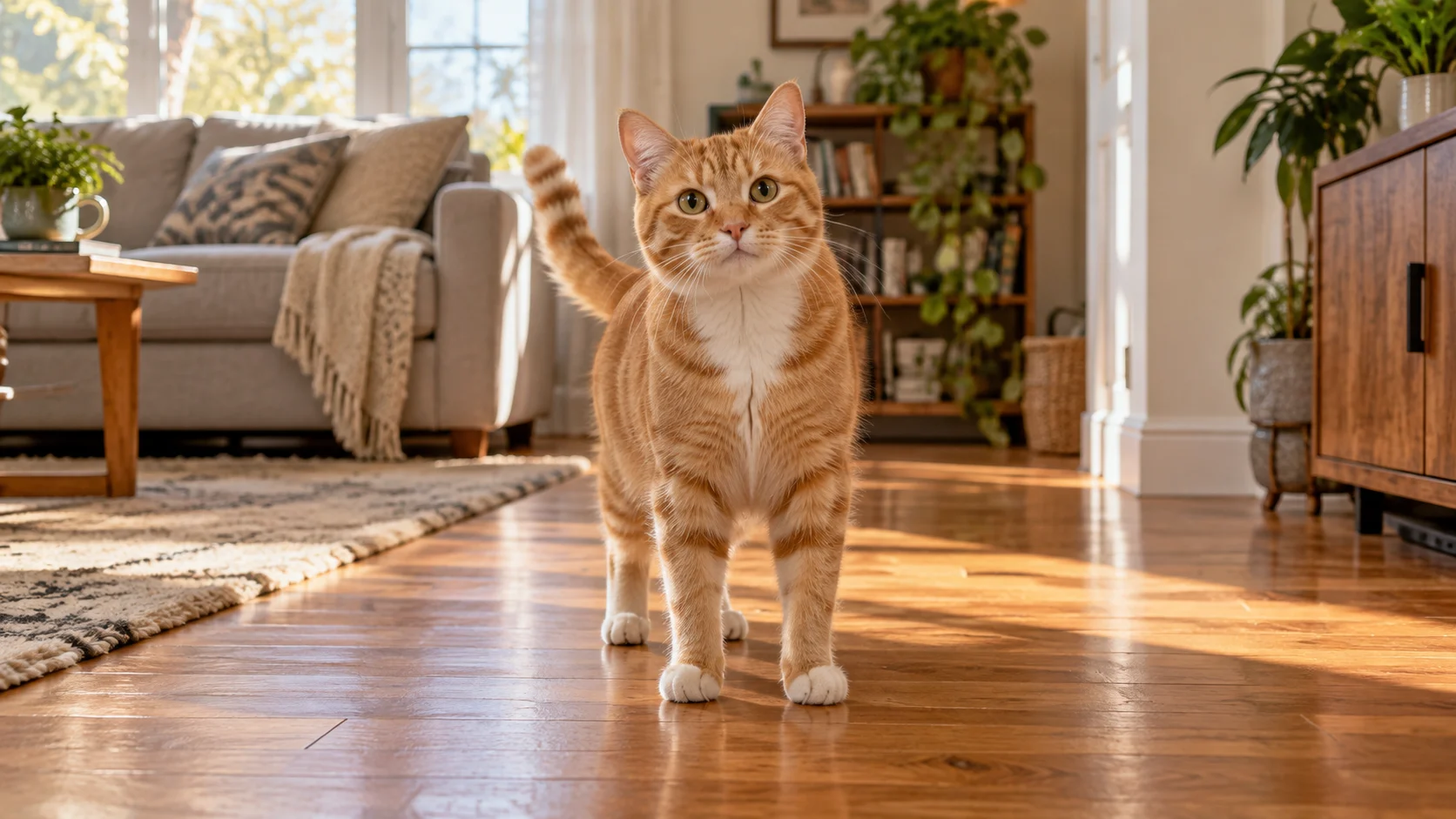
Imagine a cat or dog dancing, walking a runway, or acting out a short scene. Start with one simple action.
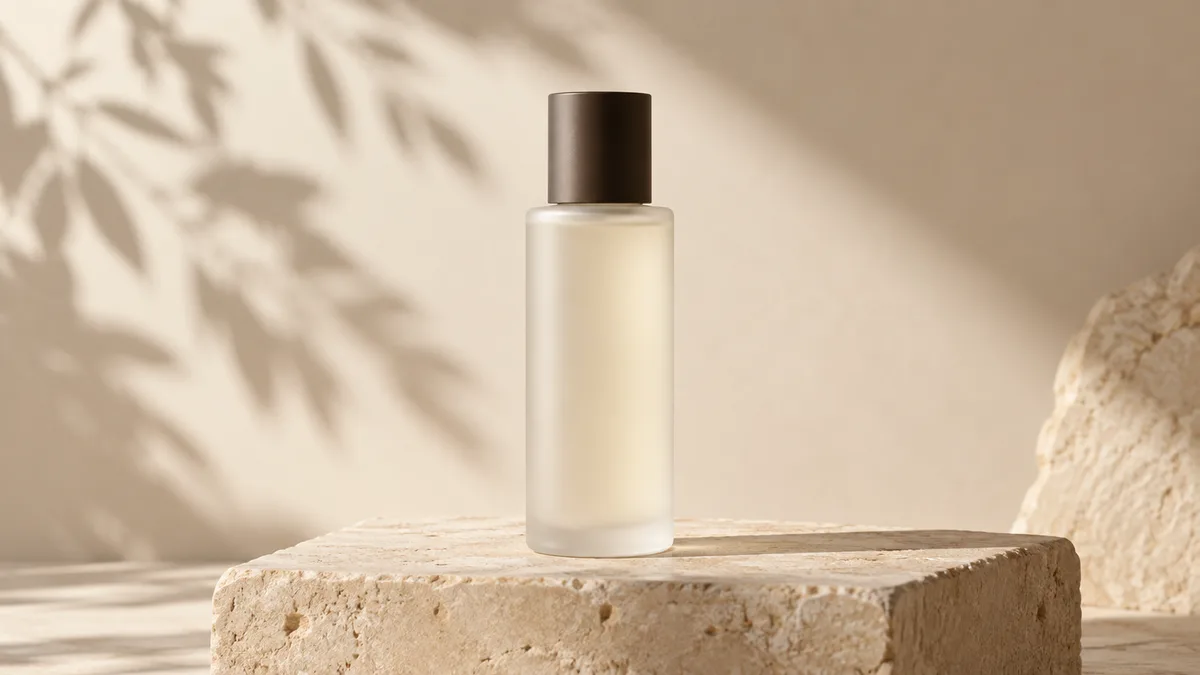
Try a slow push-in or material close-up on a product image, then verify packaging text and shape.
Start with one photo showing both people. Describe a small reunion gesture and inspect faces and hands in the result.
Try handholding, a smile, or a kiss from a couple photo or wedding portrait to create a keepsake clip.
Animate a character drawing with a turn, entrance, or moving clothing for an introduction or story teaser.
Explore capes, armor, or wings for a themed character entrance.
Try a frozen moment, orbiting camera, or fading particles as the opening of a short visual sequence.
Add drifting clouds, moving water, or a gentle camera push to a city, beach, or mountain photo.
Imagine steam, flowing liquid, or texture close-ups for a menu or product introduction.
Start with one room photo and request a gentle camera move. Check the layout and straight lines in the result.
Move the lighting or decorative elements in a poster or card. Add exact names, dates, and brand text afterward if needed.
Upload one image, describe the motion, and preview your video in three steps.
Choose a clear JPEG, PNG, or WebP image you have permission to use.

Explain what moves and how the camera behaves, such as 'leaves move in a light breeze; the camera slowly pushes in.'
Confirm the settings, generate a result, and review it before following the available download or revision options.
The studio offers four models: EzVideo Fast, MiniMax H3, Seedance 2, and Grok Imagine Video 1.0. EzVideo Fast works without login; the other three require an account.
EzVideo Fast is our own single-image video model. You can use daily free credits without logging in and choose a 3–10 second clip at 480p or 720p. Results vary by image and prompt.
The current studio accepts one image per video task. Uploading multiple image references is not available yet and is coming soon. For now, use one clear image and describe the motion.
Use the same clear portrait and a consistent description for separate clips. Check the face, hair, and clothing after each generation. Multiple image references are coming soon.
Use one photo that already shows both people; the current studio cannot combine separate portraits. Multiple image references are coming soon. Use images with consent and inspect faces and arms.
Uploading a motion reference is not available yet and is coming soon. For now, describe a simple dance step in text, keep the subject visible, and inspect joints and feet; exact choreography is not guaranteed.
Choose an image, write one action, and explore the result.
Explore free and no-login options; allowances and download conditions depend on the tool mode.